A Task is a piece of work on a Project File that needs to be done by the assigned Collaborator.
A Task is automatically created when a Project Owner assigns a Collaborator to a Step. The Task to be done by a Collaborator is determined by the Task role. Learn more about each Task role here: Task Roles.
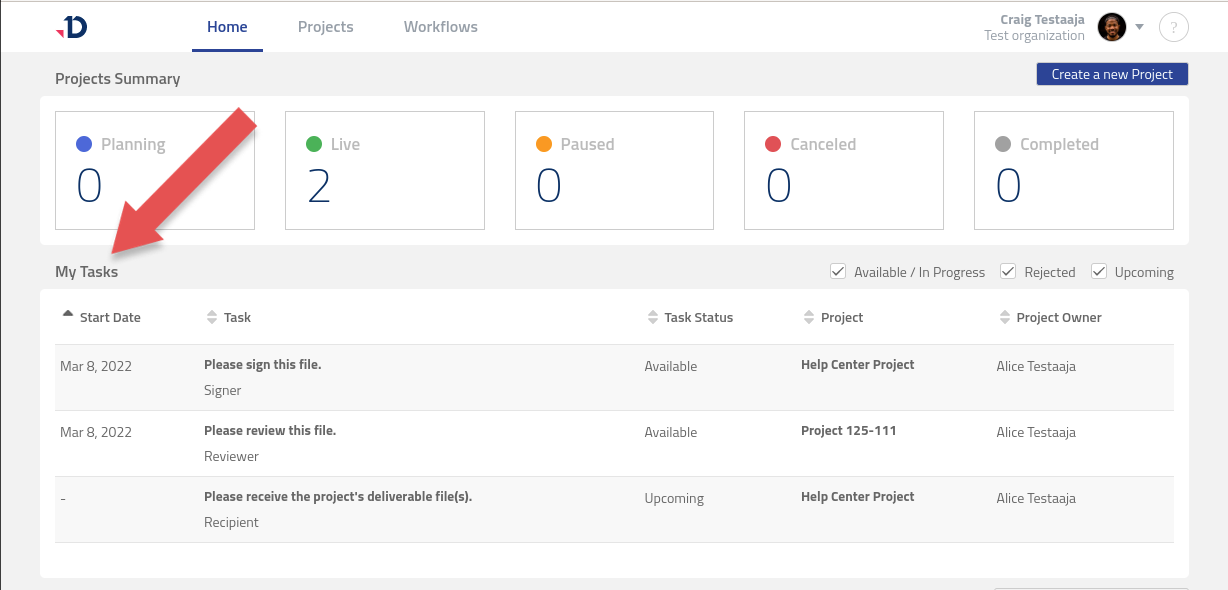
If you are a registered user, you can access your assigned Tasks from the Home page. The My Tasks table contains available and upcoming Tasks from Live Project in your Organization.
Task Statuses
A Task Status indicates what the situation is with a Task in a Project. The available statuses are:
|
Task Status |
Description |
|---|---|
|
Upcoming |
The task has been created but is not yet active. |
|
Available |
The task is ready to go. The assigned Collaborator has not yet opened it. |
|
In Progress |
The assigned Collaborator has opened a task at least once. |
|
Paused |
The Project has been paused. |
|
Pending |
The Collaborator has requested for changes to a document, and the task is pending for action by Project Owner to address the request. |
|
Completed |
The work on a task is done. |
|
Canceled |
The Project has been canceled. |
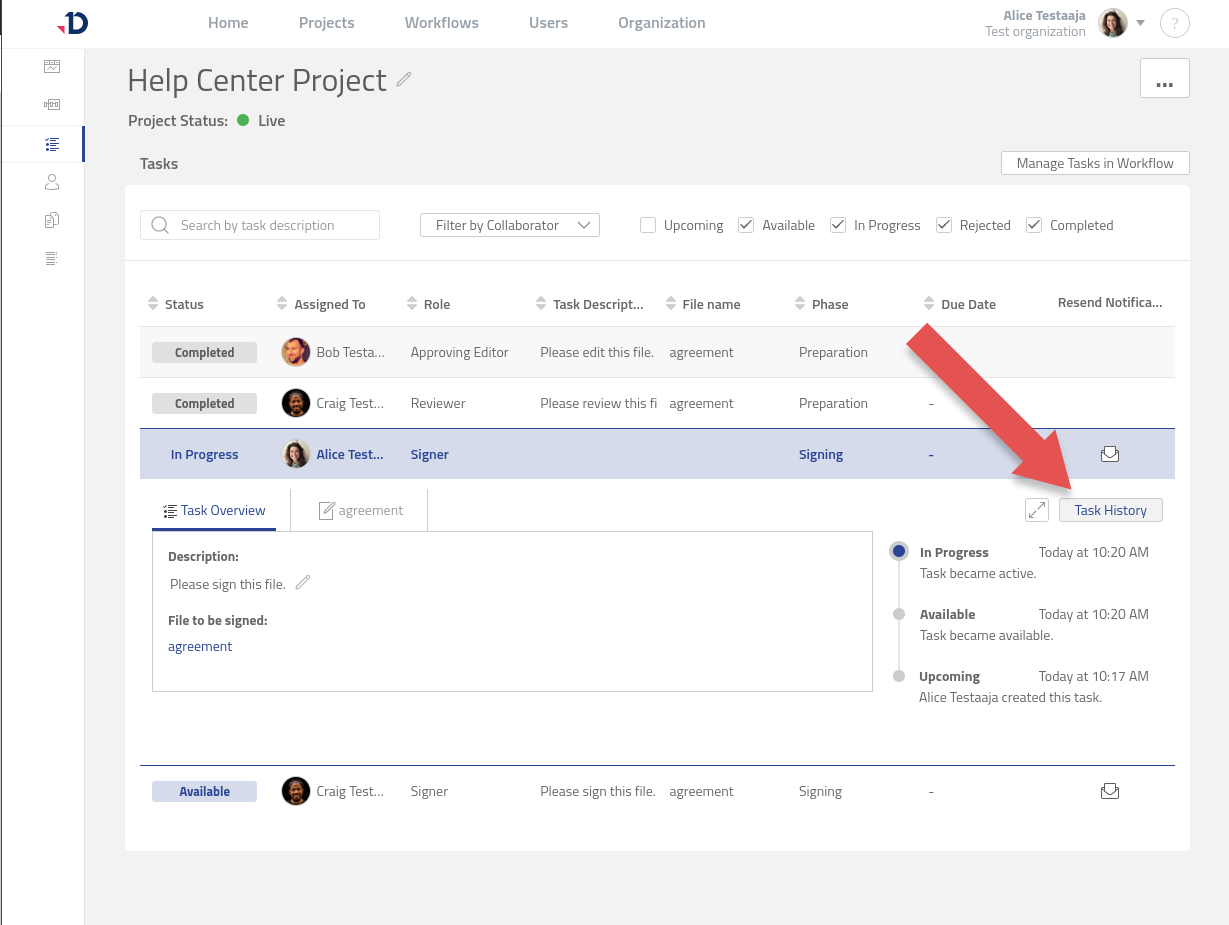
Task History
The Task History contains records of the date and time of when the Task status has been changed.