
Available to Project Owner and Team Leader.
Project Log helps to audit activity that happened in a Project. You can access the Project Log by opening the Project and click the [Log] button.
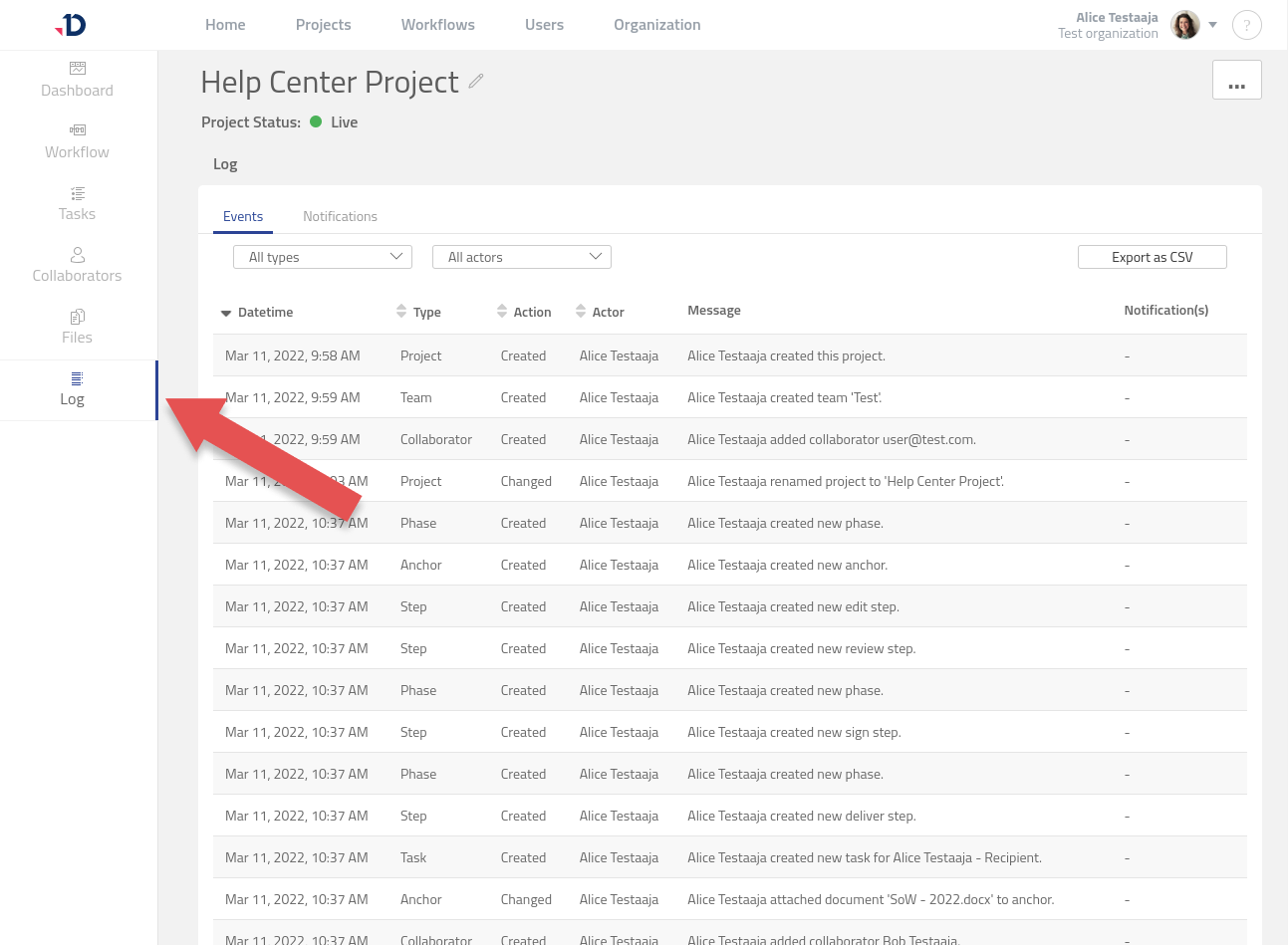
Project Log contains two types of information:
-
Events
Record of important activities that happened in a project. -
Notifications
Record of notifications sent out from a project.
If an issue has occurred, the Project Log will also show a red dot indicator to notify you about the issue. For example, if a notification was not successfully sent, this will be marked with a red dot, describing the reason for the failure in the table.
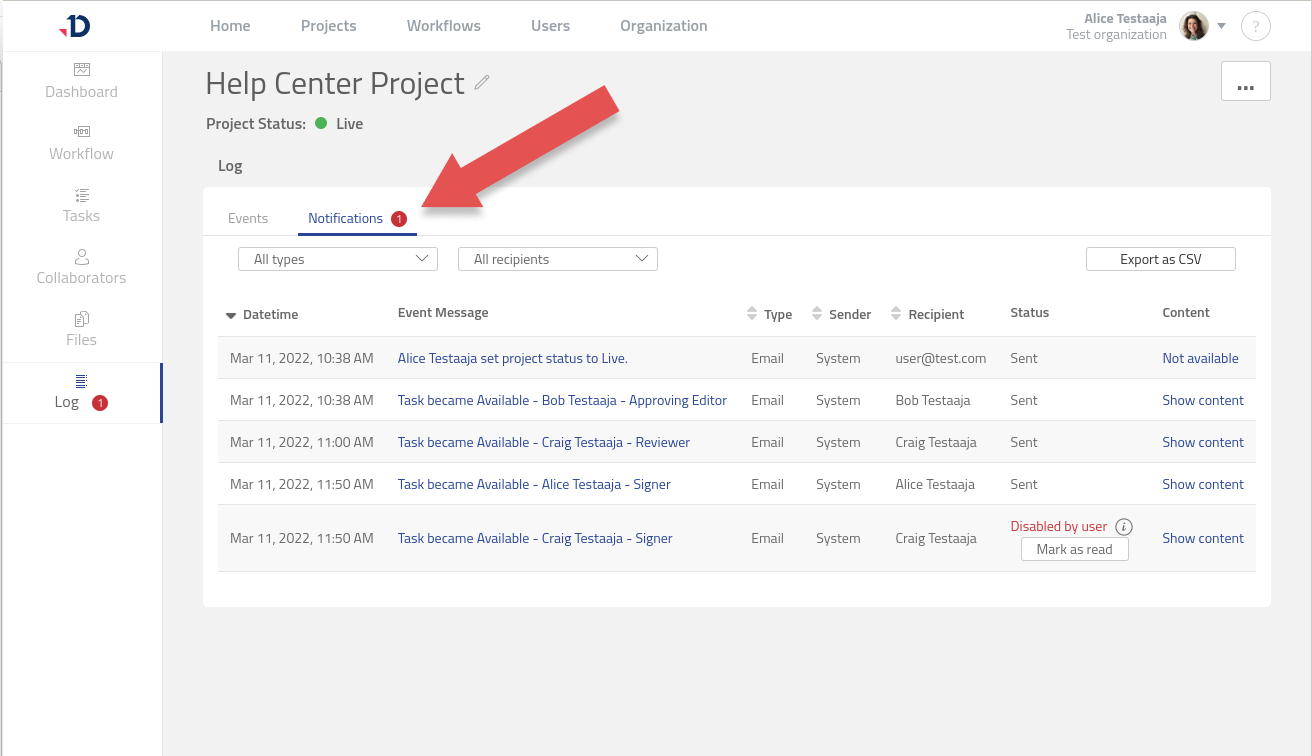
The Project Log can also be exported as a CSV and PDF file.