Available to Organization Admin.
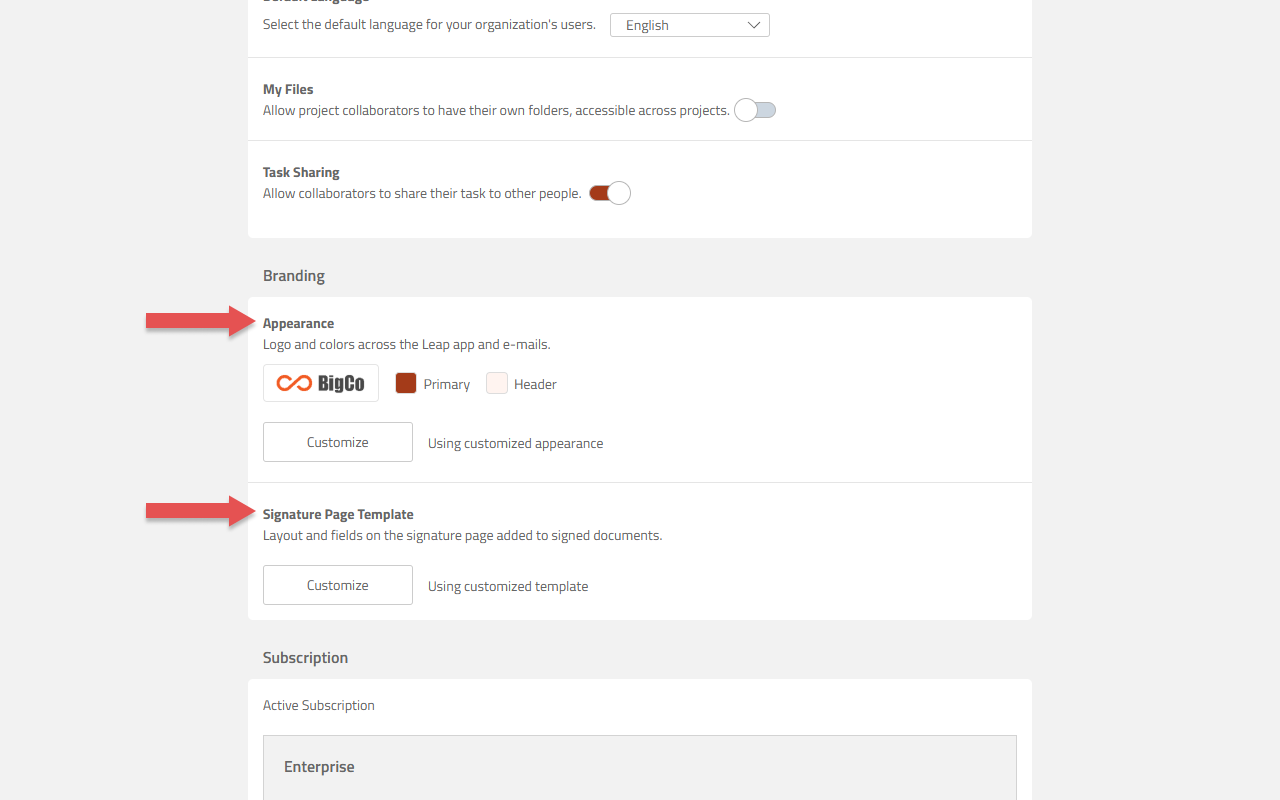
Branding controls how your organization appears to the people who use Leap and to the people who receive documents from it. There are two things to configure:
-
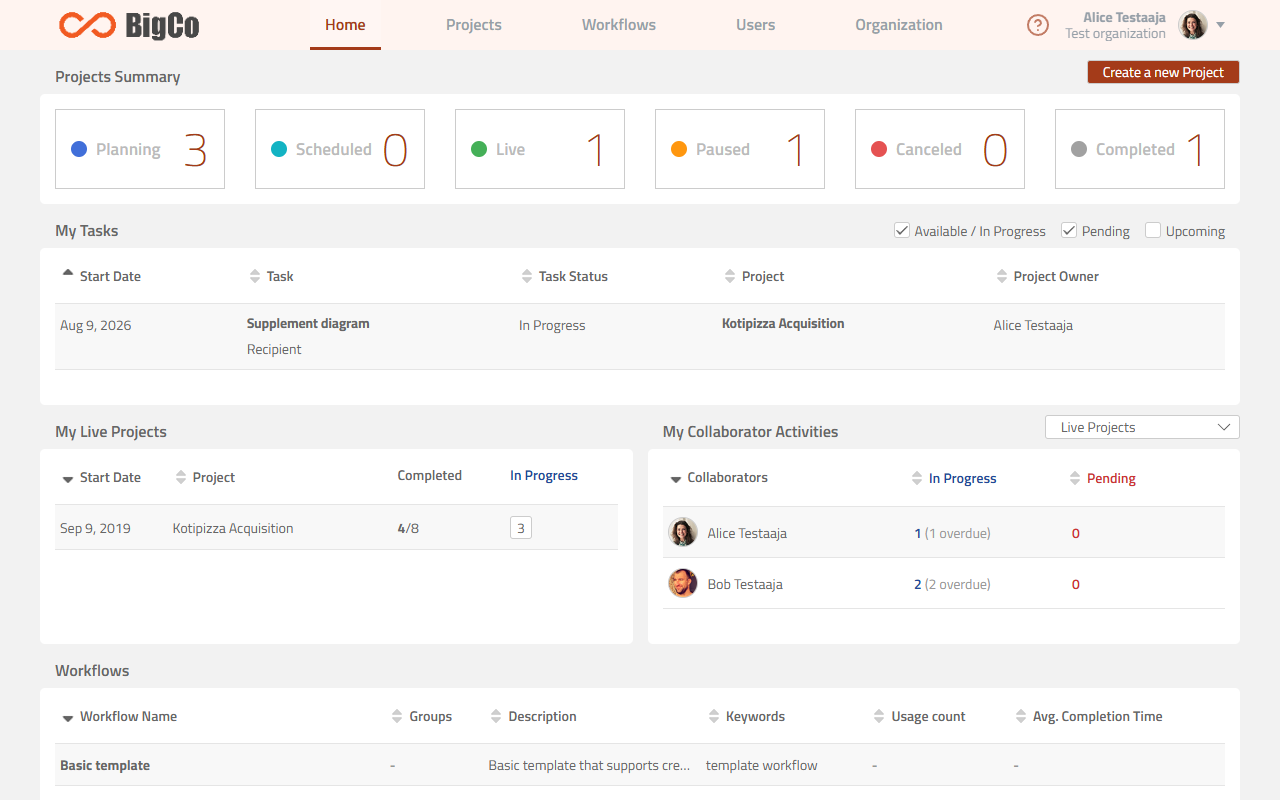
Appearance: your logo and colors, applied across the Leap app, the Sign-Only signing experience, and notification e-mails.
-
Signature Page Template: the layout and fields on the signature page appended to every signed document.
Both live in the Branding section of the Organization page. Each panel shows its current state, so you can tell at a glance whether your organization is using Documill defaults or its own settings.
Where each Appearance setting applies
Appearance is one set of branding applied everywhere, but not every setting reaches every surface:
|
|
Logo |
Primary color |
Header background |
|---|---|---|---|
|
Leap app |
Yes |
Yes |
Yes |
|
Sign-Only Leap |
Yes |
Yes |
Yes |
|
Notification e-mail |
Yes |
Yes |
No
|
The signature page is configured separately. It does not use the Appearance logo or colors. Its header image is its own upload, and its appearance is controlled by layout and field choices instead.
What it looks like in use
Once you save a custom Appearance, it applies immediately across the app: