
Available to Organization Admin.
To permanently stop people to sign in using account from another Identity Provider:
1. Go to Organization page.
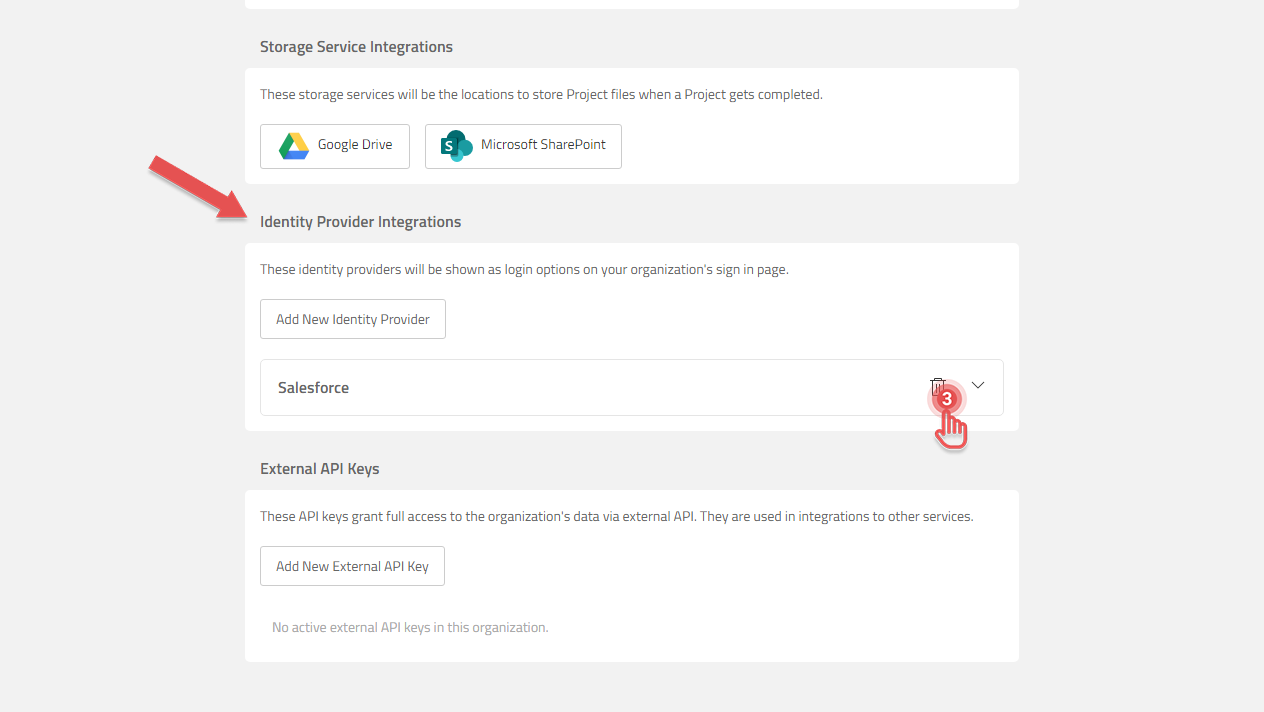
2. Scroll to Identity Provider Integration.
3. On the Identity Provider you wish to delete, click the [Trash] button.
Preview
4. In the confirmation dialog, click [Delete] button.