
-
Available to Manager and Administrator.
-
Managers can only edit Workflow templates they have created.
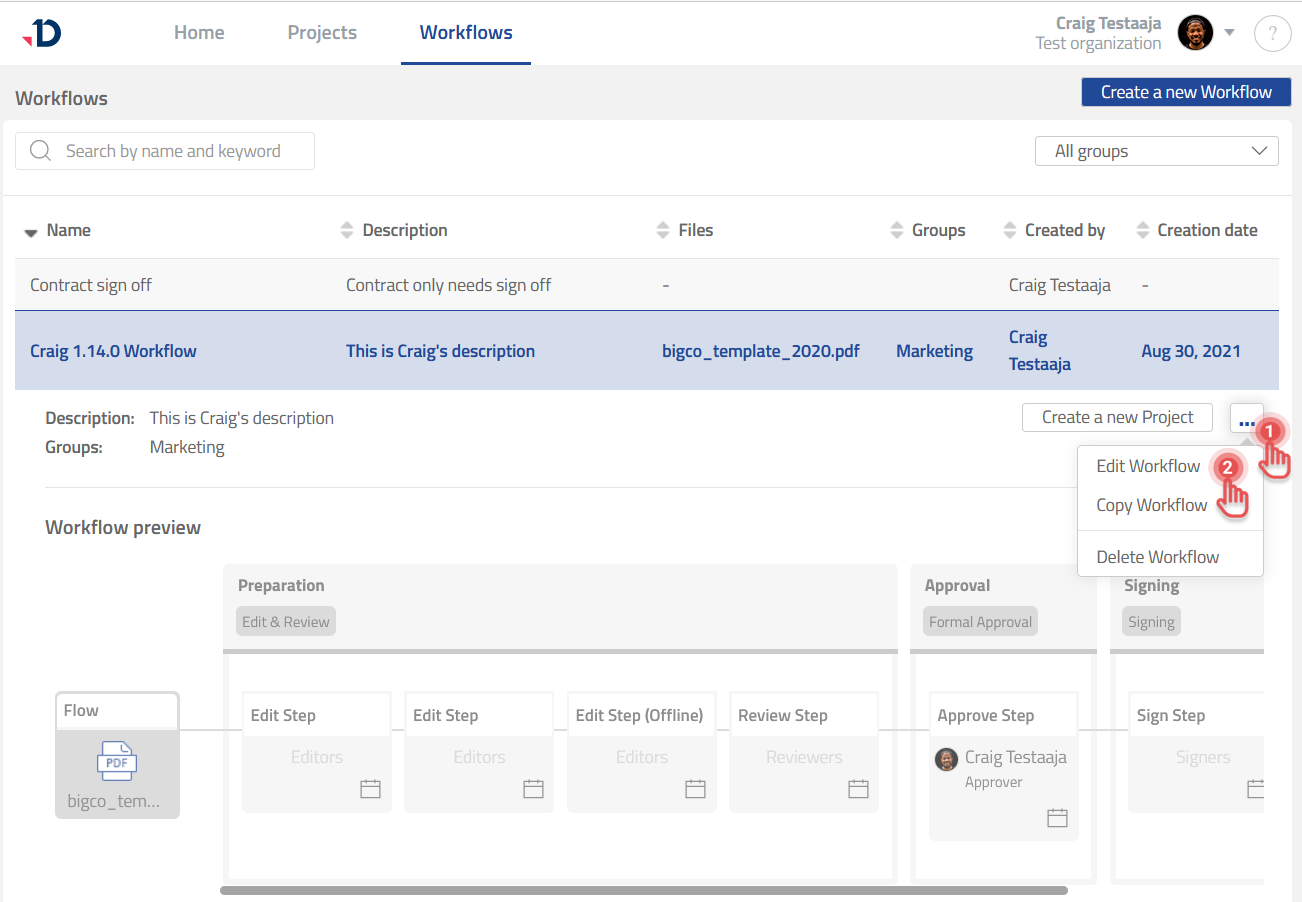
You can edit a Workflow Template as follows:
1. Go to Workflows page.
2. Expand a Workflow Template from the list of Workflows.
3. Click […] button.
4. Select [Edit Workflow] option.
See Manage Workflow to learn more about editing a Workflow.