
Available to Project Owner.
Adding a File
To add a File to your Quick Start Project:
1. Inside your Quick Start Project, go to File Step.
2a. Drag the File from your computer onto the drop area.
Preview
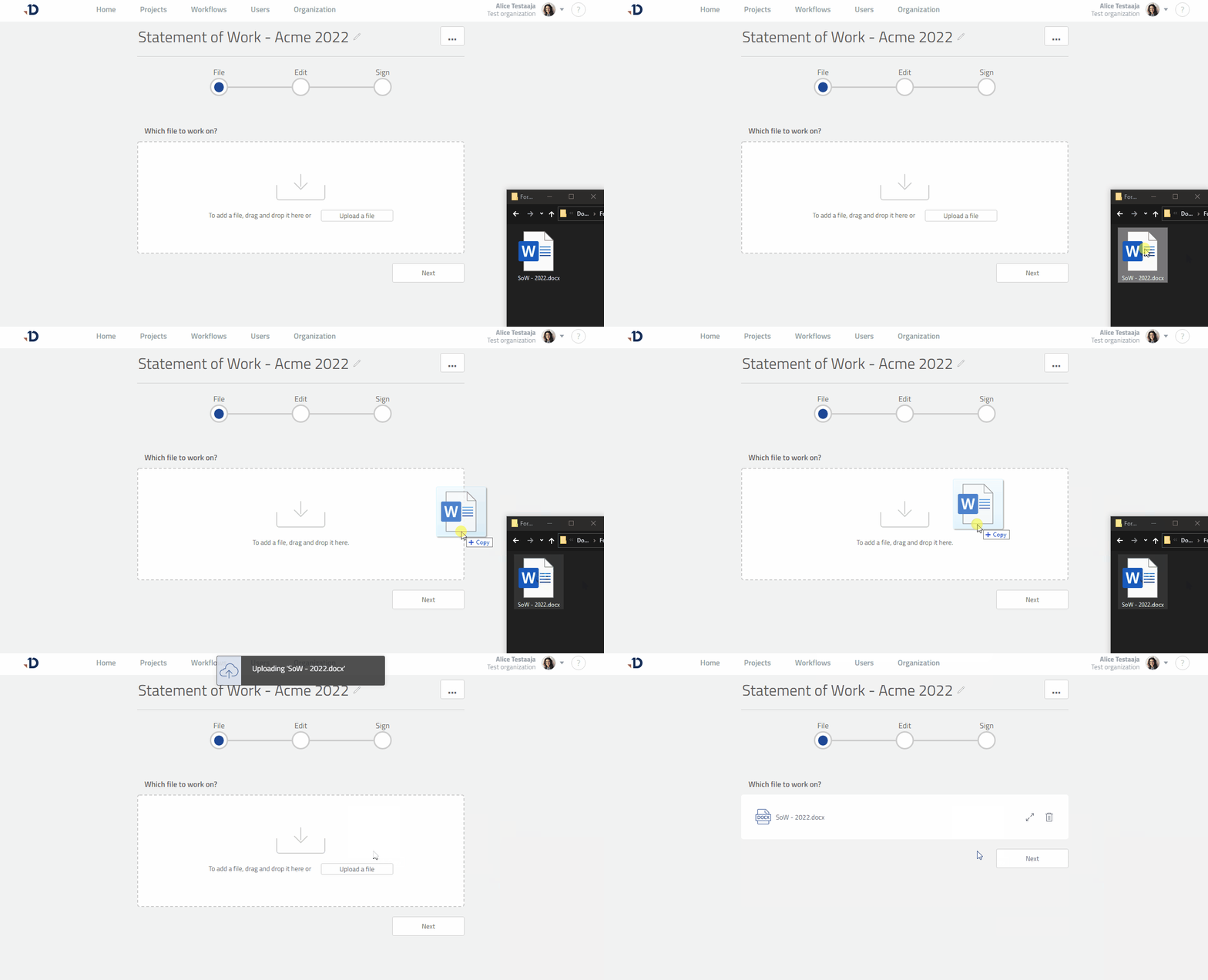
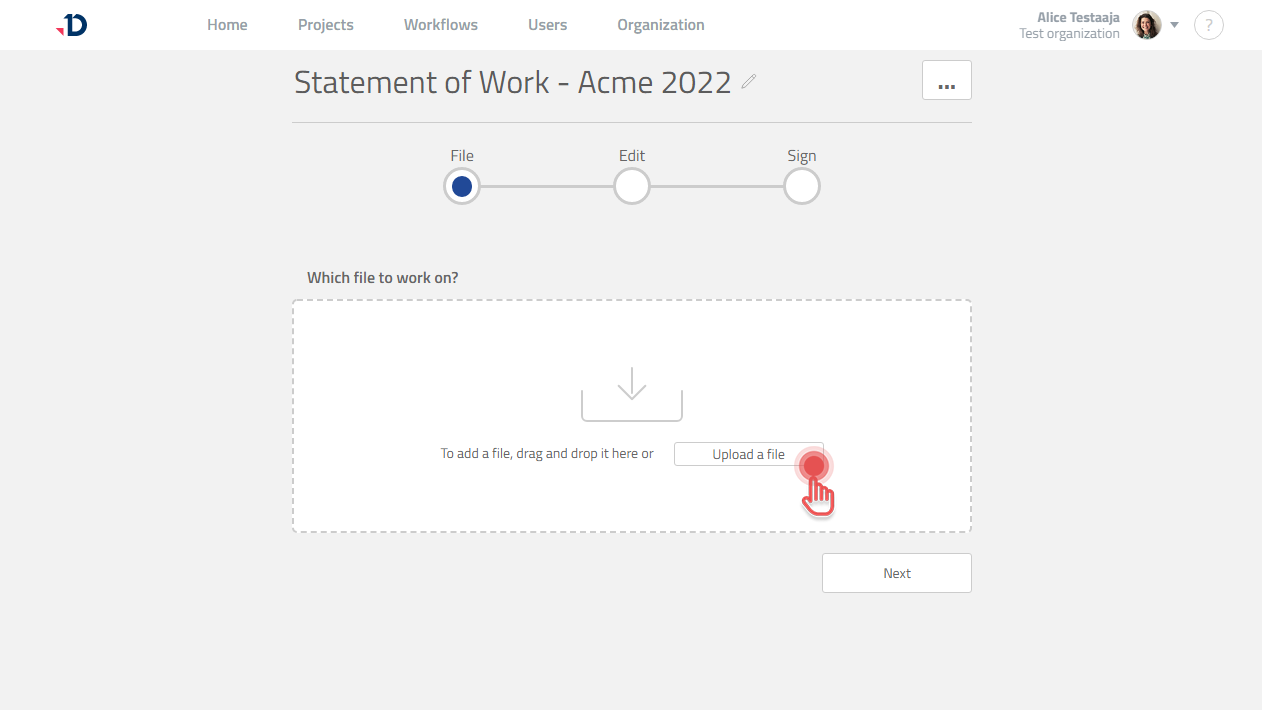
2b. Click [Upload a File ] button and select the File.
Preview
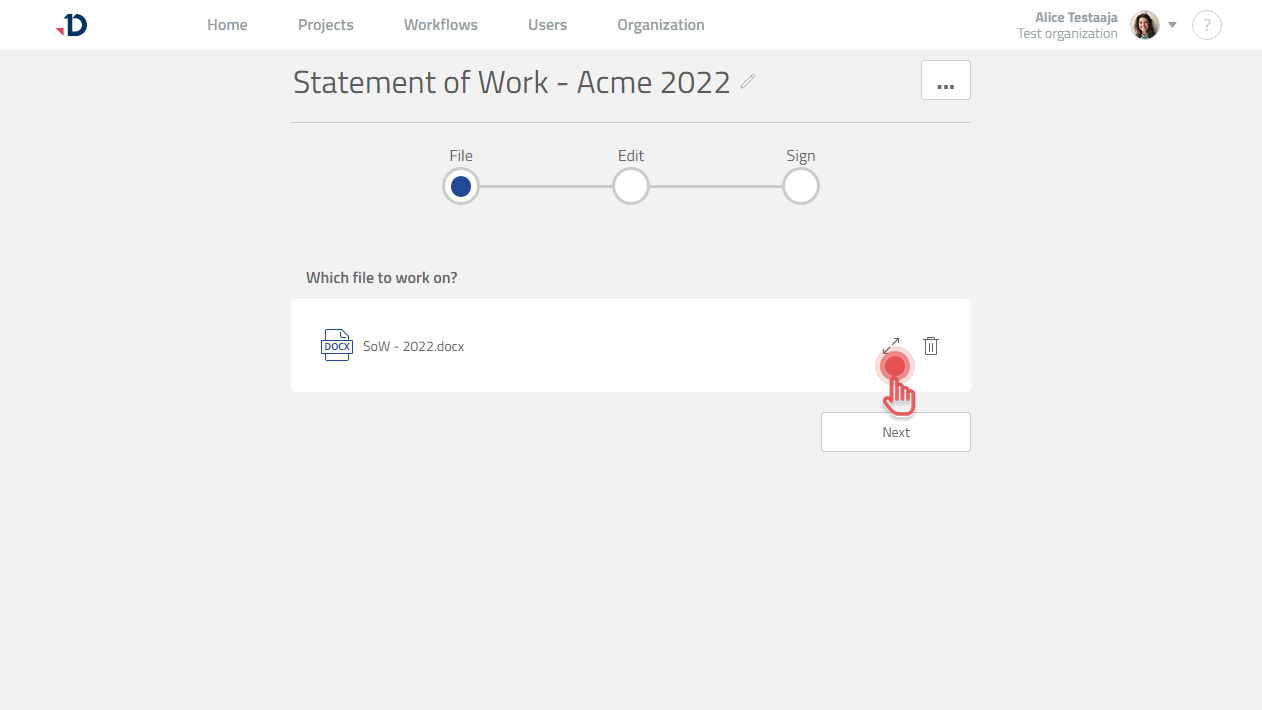
Previewing a File
Click [Expand] button to preview a File in Quick Start Project.
Preview
Deleting a File
Click [Trash] button to delete a File in Quick Start Project.
Preview
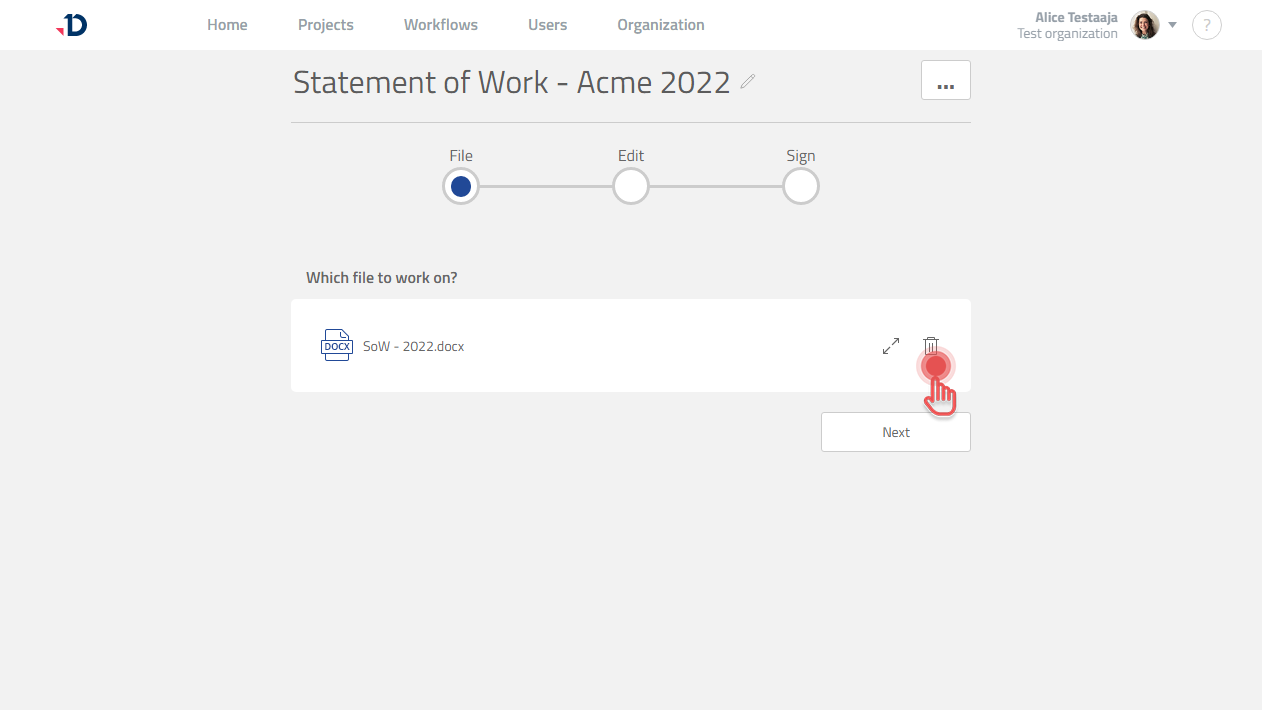
A File cannot be deleted anymore once a Quick Start Project is started.
Quick Start Project allows you to work on one File.
If you need to work on multiple Files, please use normal Project.