You can delete a Documill Agreement from Documill Agreements tab.
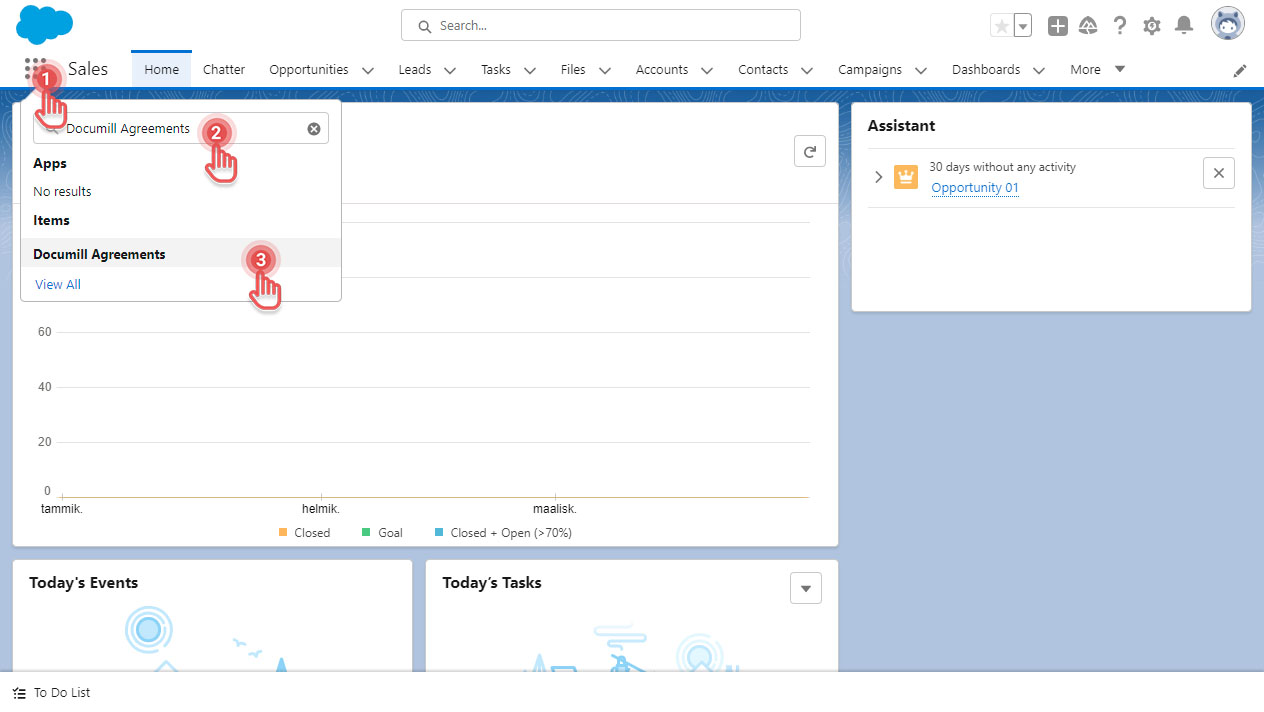
1. In Salesforce, click [App Launcher] button.
2. Search for “Documill Agreements”.
3. Click [Documill Agreements] item.
Preview
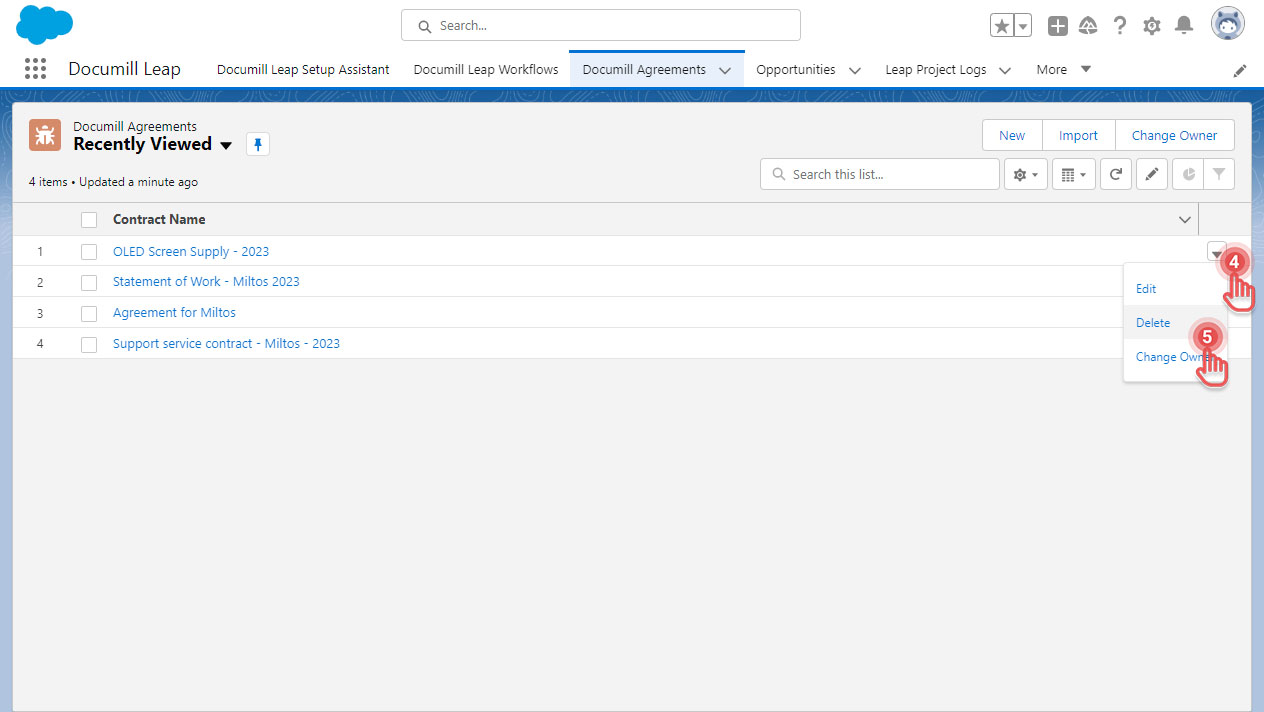
4. On the Documill Agreement you would like to delete, click the [ ▼ ] button.
5. Click [Delete] option.
Preview
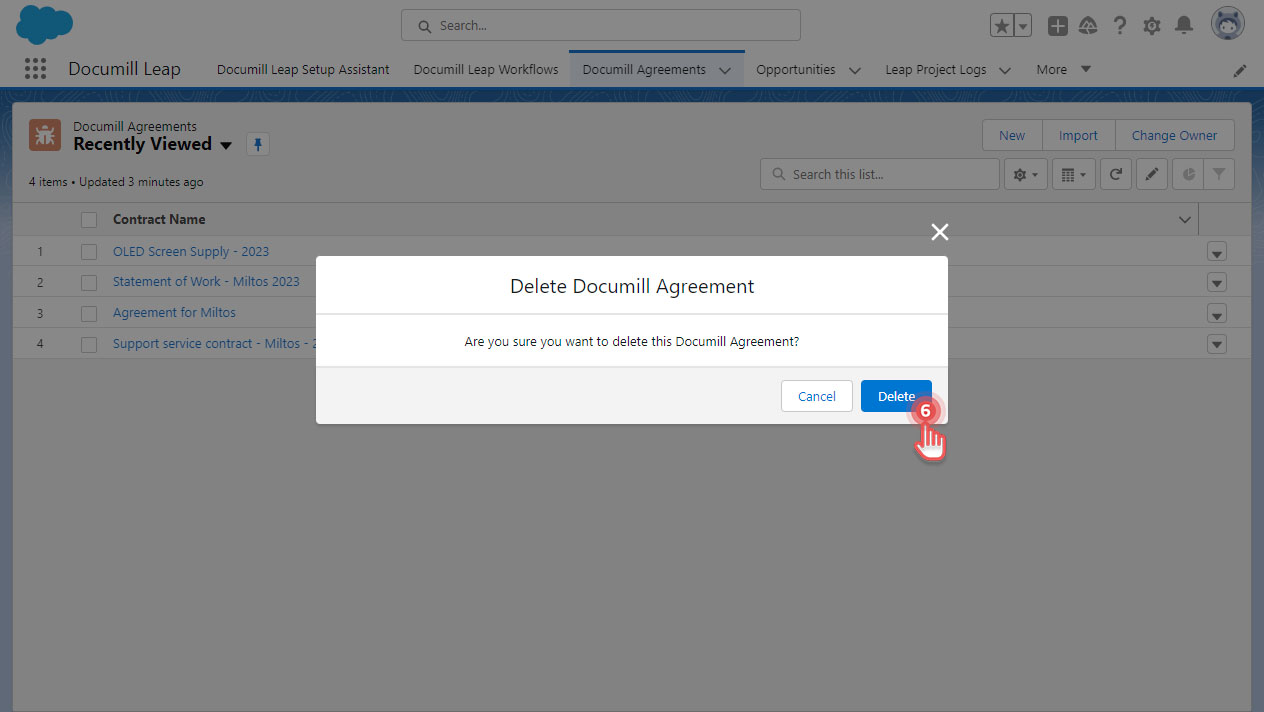
6. Click [Delete] button in the confirmation dialog.
Preview