
You can add a comment to the document by following these steps:
1. Click [Comments] button.
2. Click [Pin] icon.
3. Place the pin where you want to comment on in the document.
Preview

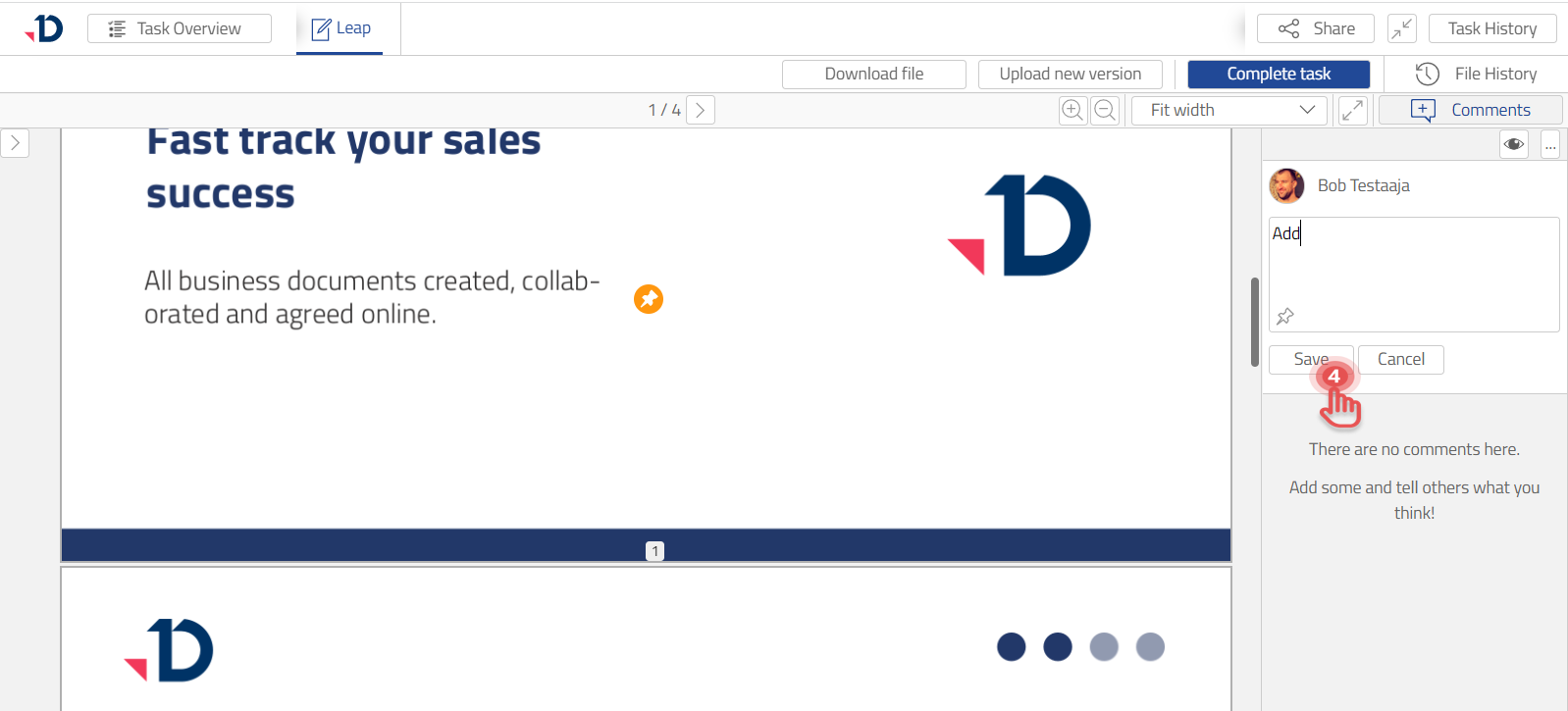
4. Write the comment and click [Save] button.
Preview
You can also add a comment without pin.