Delete a Comment
You can delete a comment as follows:
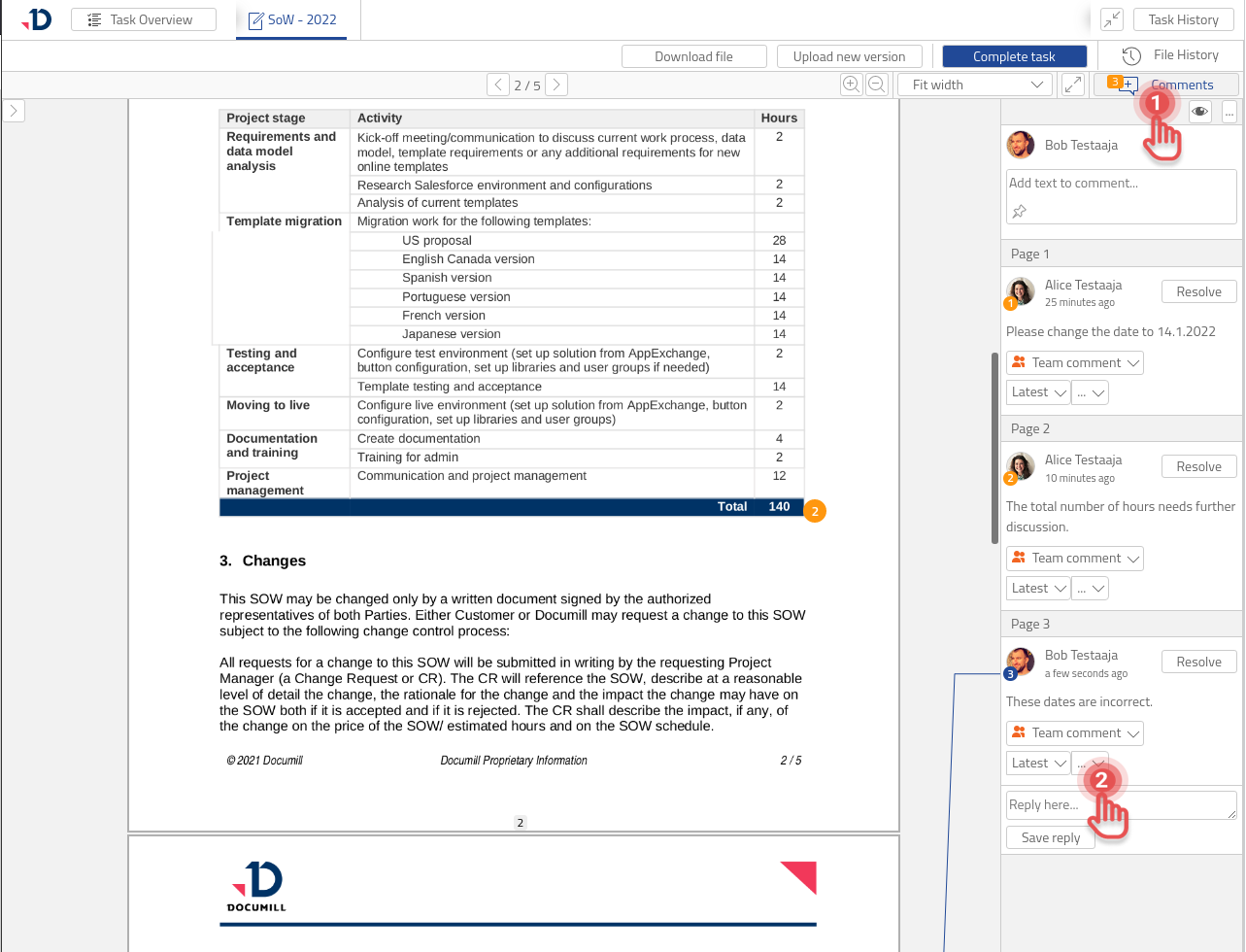
1. Click [Comments] button to open the side pane.
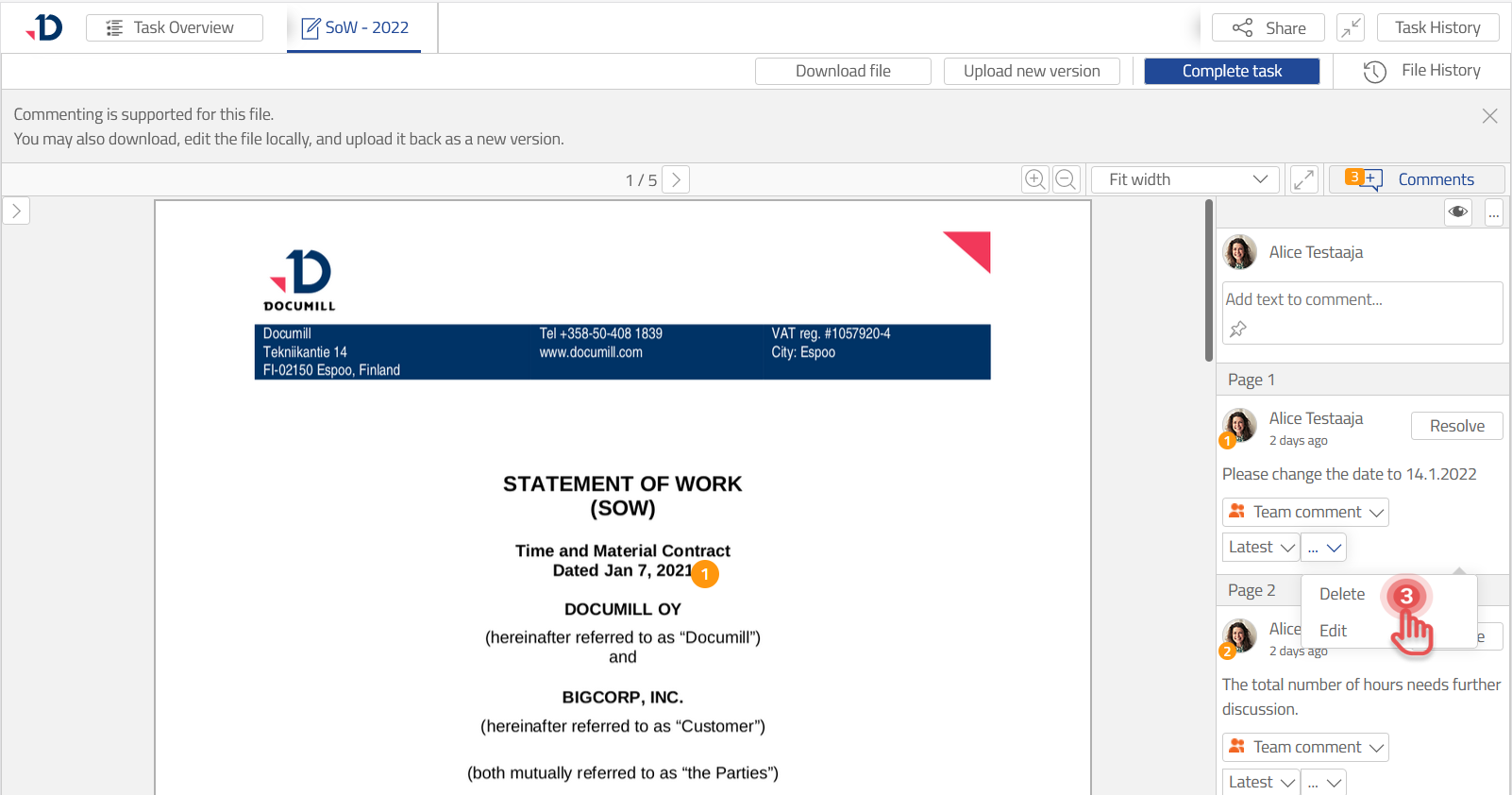
2. Click […] button on the Comment you want to delete.
Preview
3. Select [Delete] option.
Preview
Delete All Comments
You can delete all comments by following these steps:
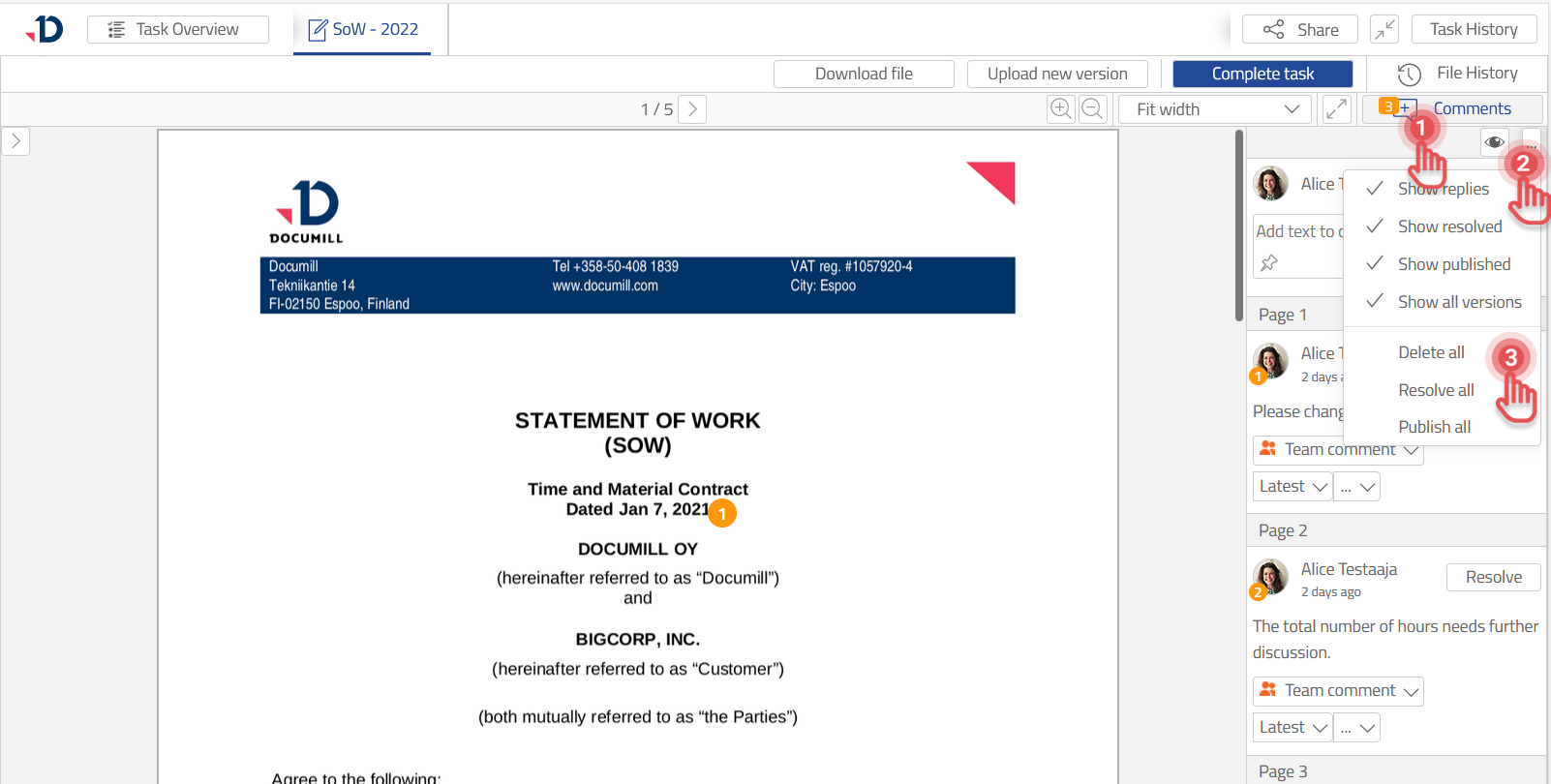
1. Click [Comments] button to open the side pane.
2. Click […] button.
3. Select [Delete all] option.
Preview