
Available to Project Admin and Organization Admin
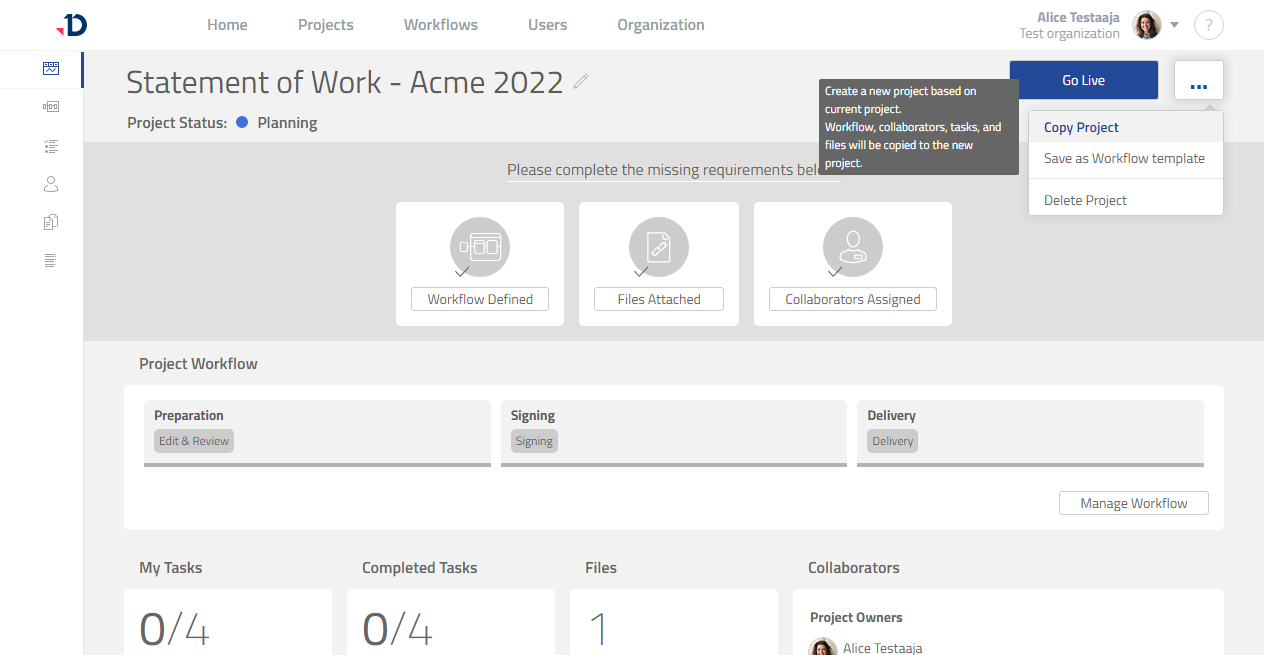
One way to create a project is by copying an existing project:
1. Open the project that you want to copy.
2. Click […] button.
3. Click [Copy Project] option.
Preview
4. Click [Copy] button in the confirmation dialog.
5. The copied project should now be visible.