
-
Available to Project Owner
-
The project needs to be fully planned. See Plan a Project
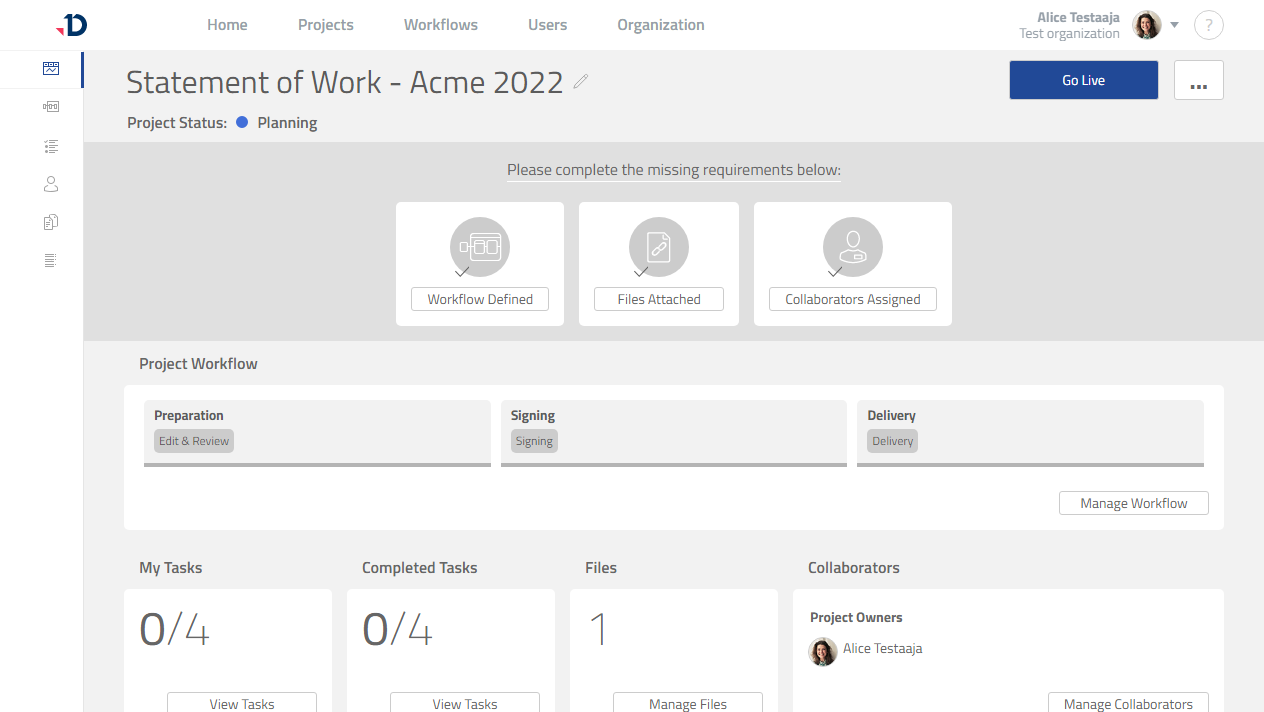
When a project is fully planned, the project can be started:
1. Open the project.
2. Click [Go Live] button.
Preview
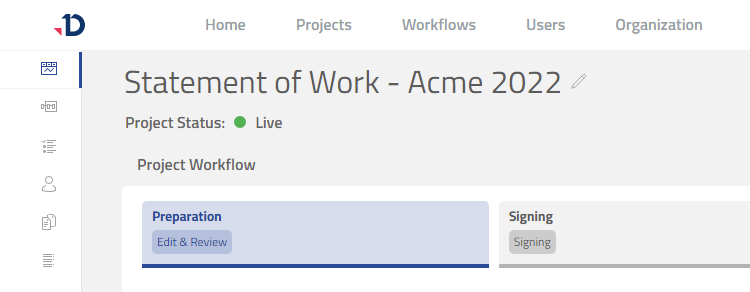
3. The project has started as indicated with the Live status.
Collaborators will receive notifications to work on their tasks.
Preview
For Quick Start Project, please see Start a Quick Start Project