
-
Available to Project Owner.
-
Available when your organization is configured to use SharePoint Connecting to Microsoft SharePoint
To allow collaborators to use Microsoft Office app when editing documents:
1. Open your project.
2. Make sure to have a workflow in your project.
3. In the Project Settings card, toggle on [Edit in SharePoint].
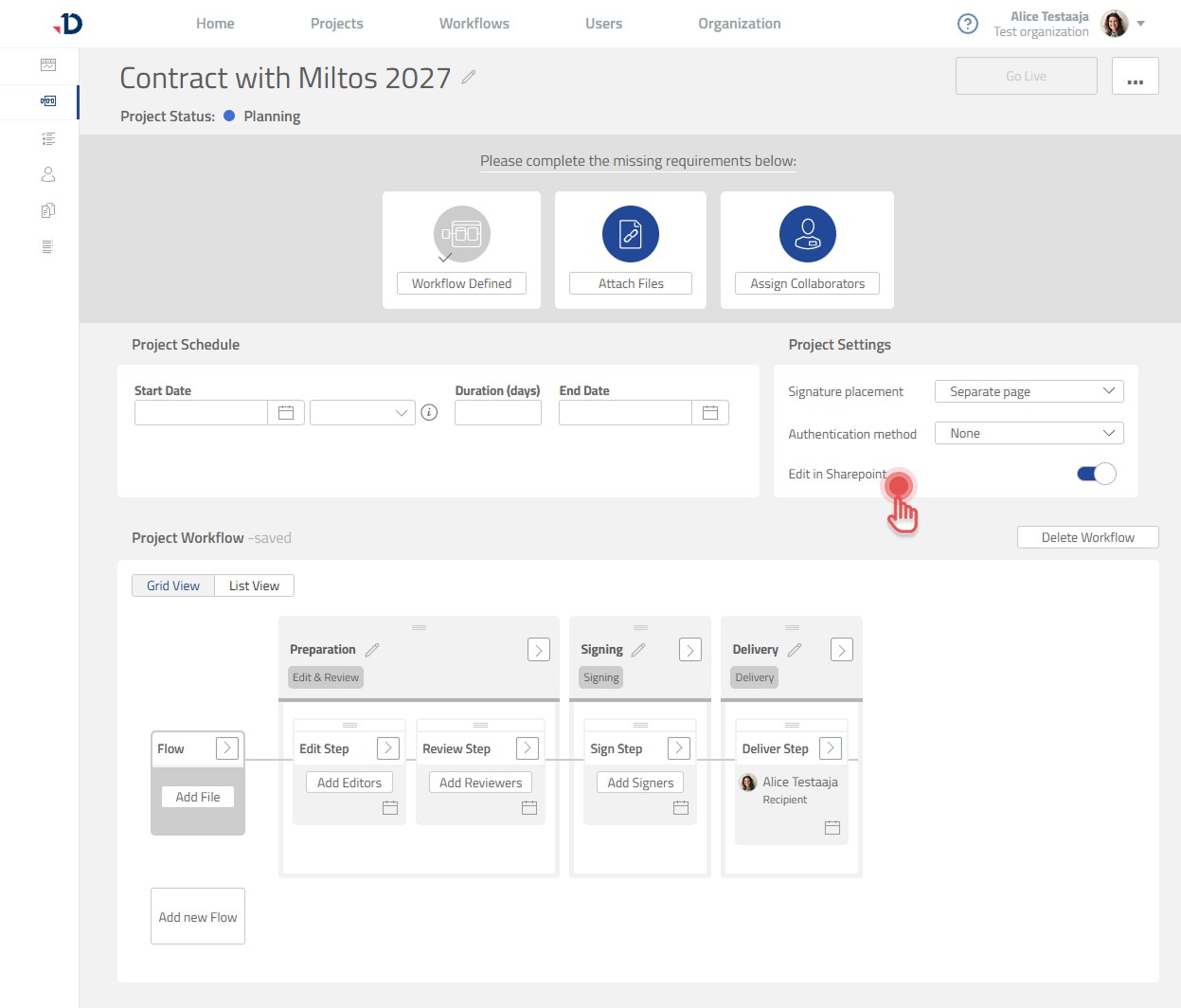
Enabling [Edit in SharePoint] will allow:
-
Approving Editors and Editors to open and edit documents in the Microsoft Office app, either the online or desktop version.
-
Commenter to open documents in the Microsoft Office app in read-only mode.
This option cannot be changed after the project has gone live.