-
Available to Project Owner.
Deadline for the Project
-
Open the Project.
-
Open [Manage Workflow].
-
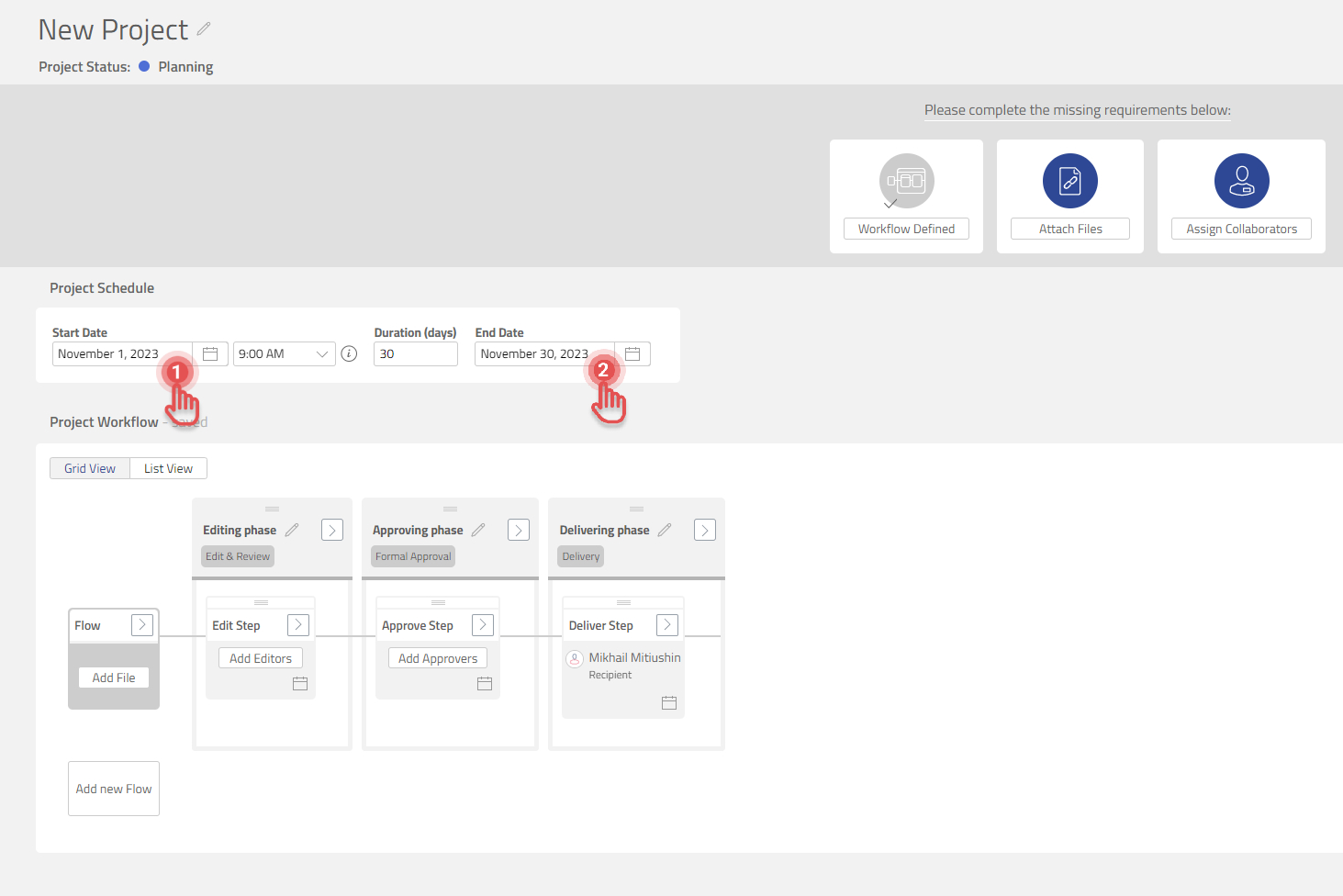
Add [Start Date] and [End Date] for the project.
Preview
Deadline for the Task
-
Open the Project.
-
Open [Manage Workflow].
-
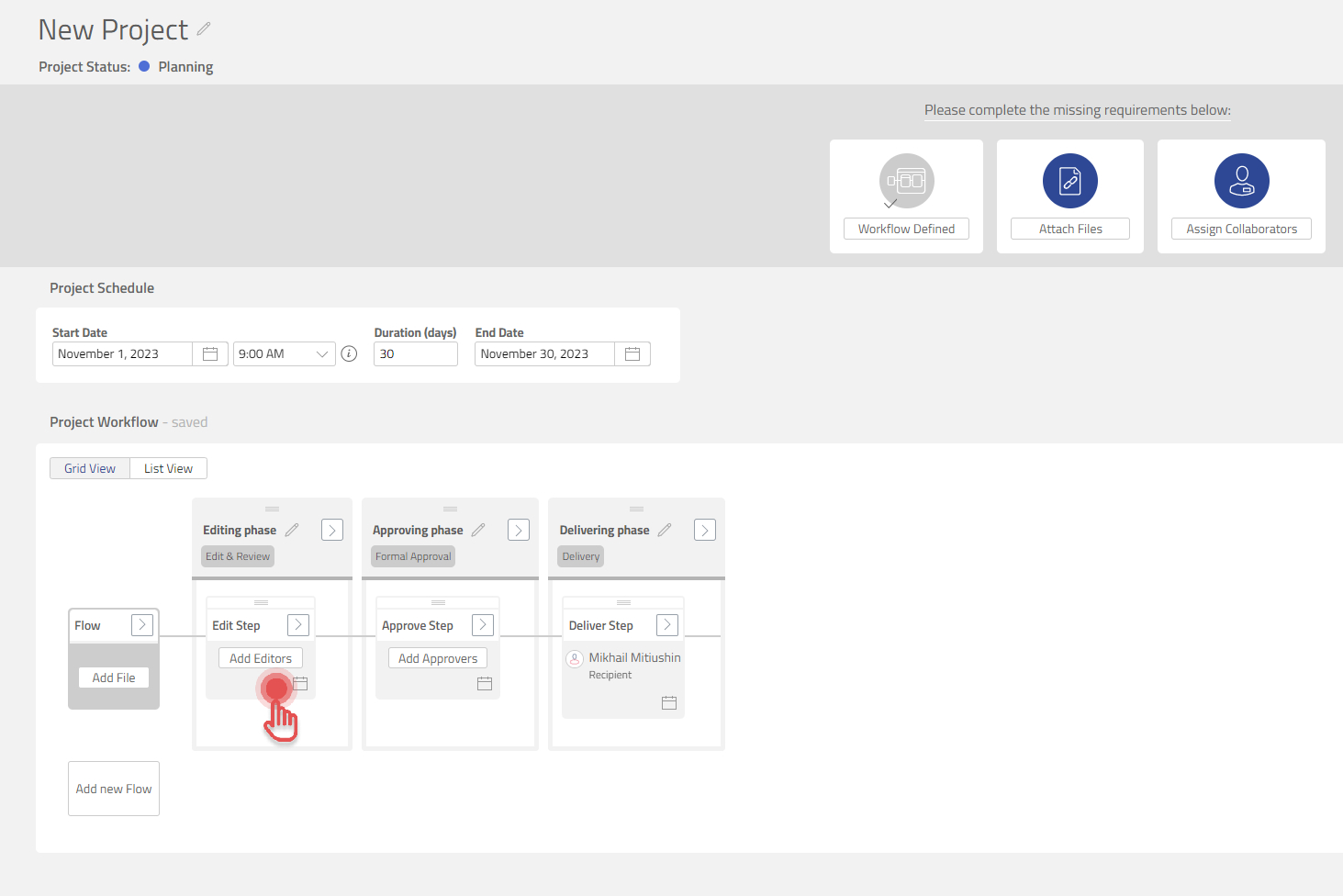
Click on the [Date icon] and add deadline for the Task.
Preview
Task Deadline notification
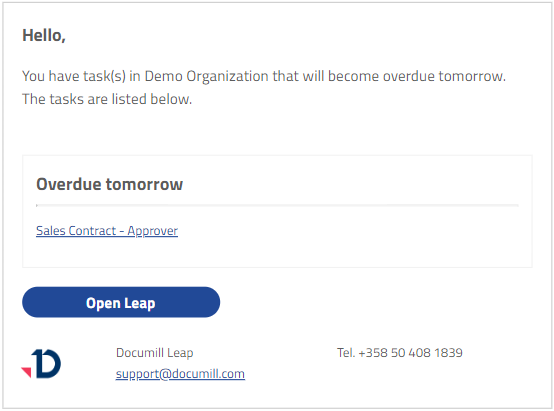
If an active task has a deadline set, a notification will be sent to the collaborators one day before the set deadline.
Any collaborators assigned to the task will receive an email, notifying them that the task will be overdue the following day. The notification will look as such, and will provide the user a list of the tasks about to expire and a link to open and complete the task.