-
Available to Project Owner
-
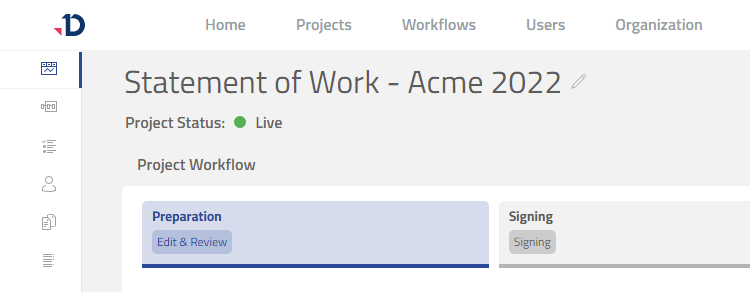
The project status should be Live
Pausing
When there is a need to temporarily stop collaborators from working on their task, a project can be paused:
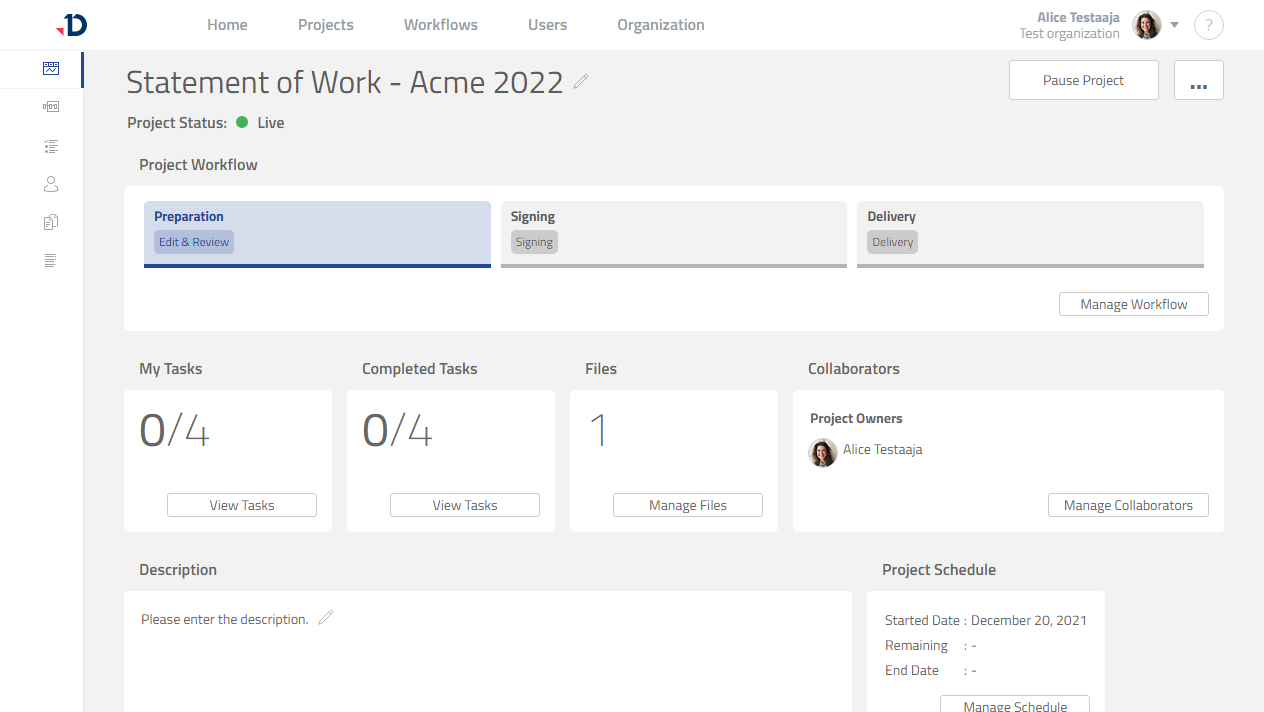
1. Open the project.
2. Click [Pause Project] button.
Preview
3. Click [Yes] button in the confirmation dialog.
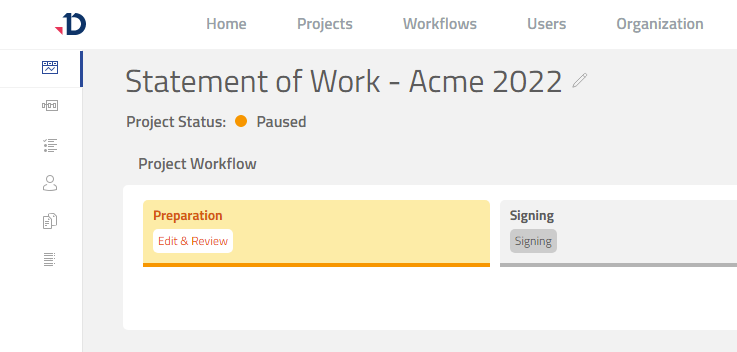
4. The project is now paused as indicated with the Paused status.
Collaborators will not be able to work on their tasks.
Preview
Resuming
When a paused project is ready to continue, the project can be resumed:
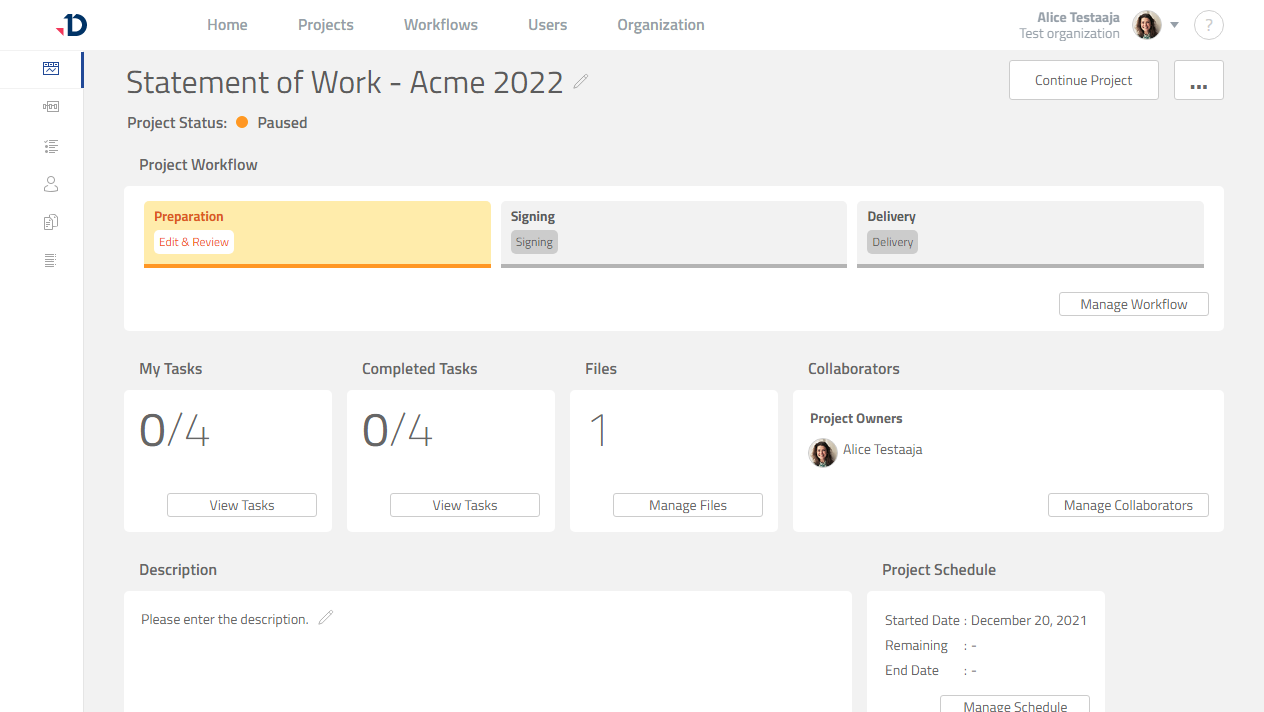
1. Open the project.
2. Click [Continue Project] button.
Preview
3. Click [Yes] button in the confirmation dialog.
4. The project has resumed as indicated with the Live status.
Collaborators can work on their tasks again.
Preview