Available to Project Admin and Organization Admin
You can create a new project from several places:
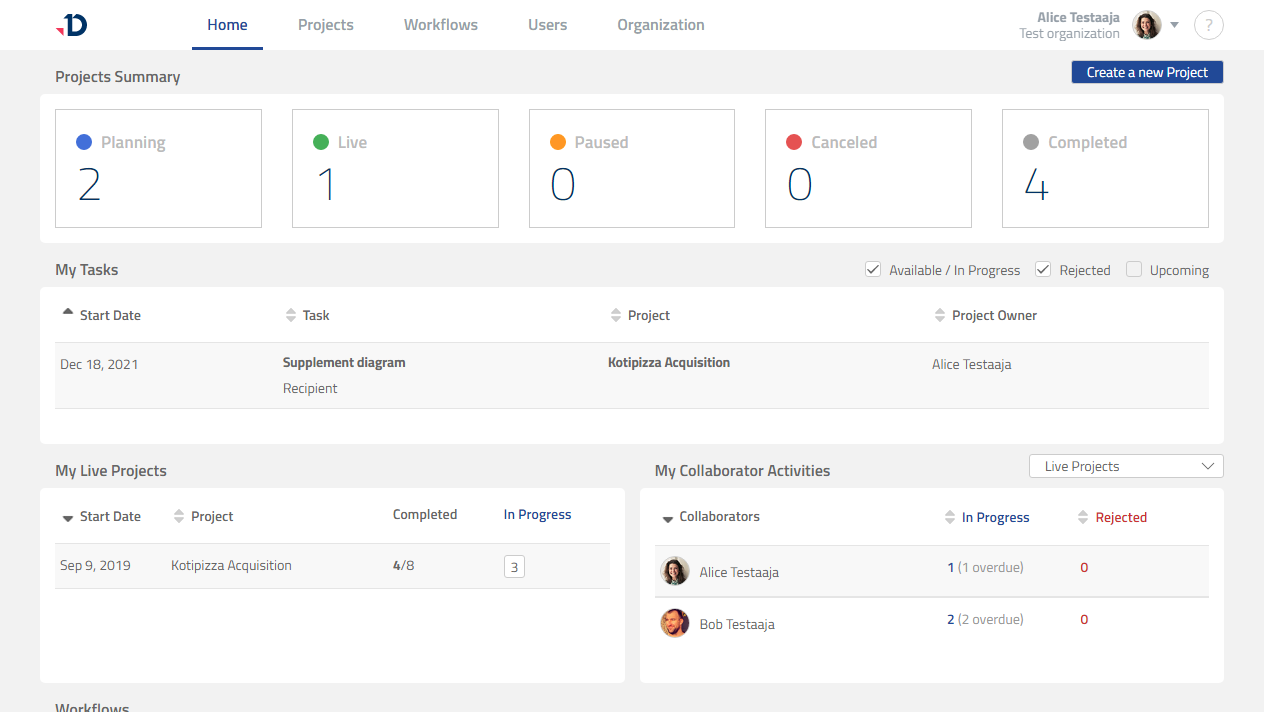
From Home page
1. Go to Home page.
2. Click [Create a new Project] button.
Preview
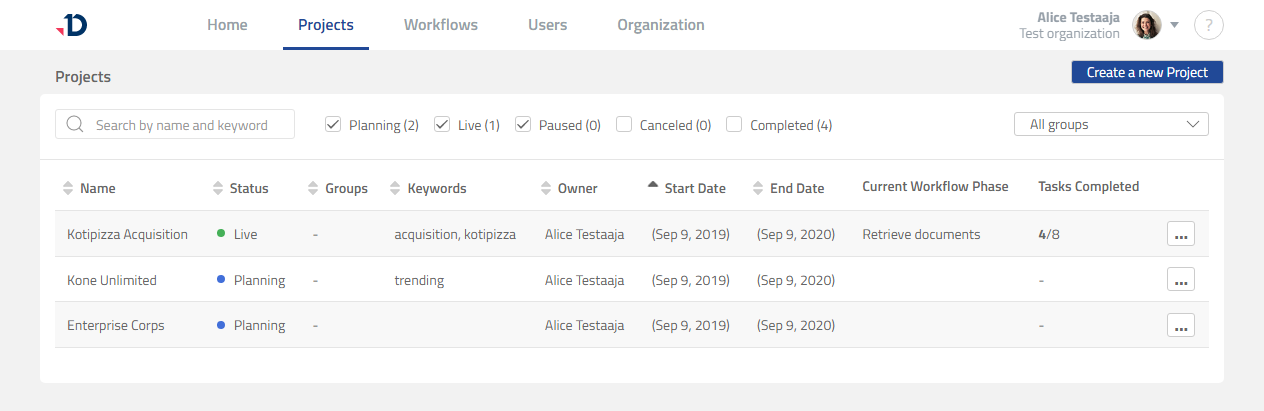
From Projects page
1. Go to Projects page.
2. Click [Create a new Project] button.
Preview
From Workflows page
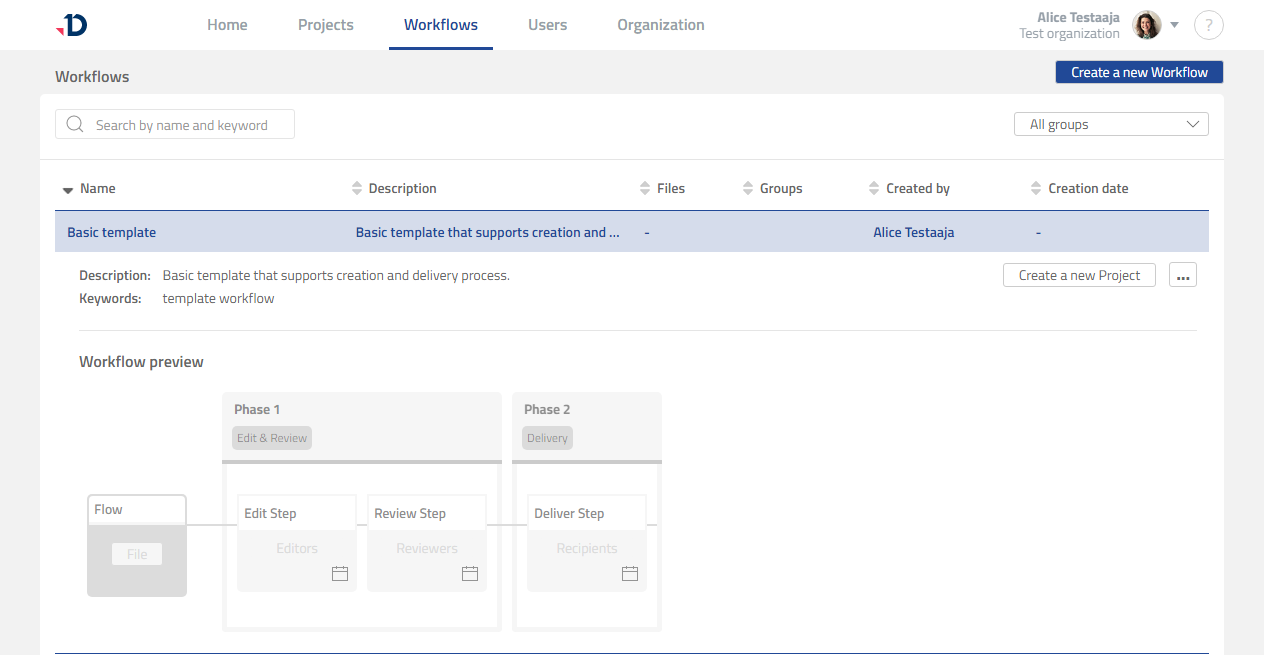
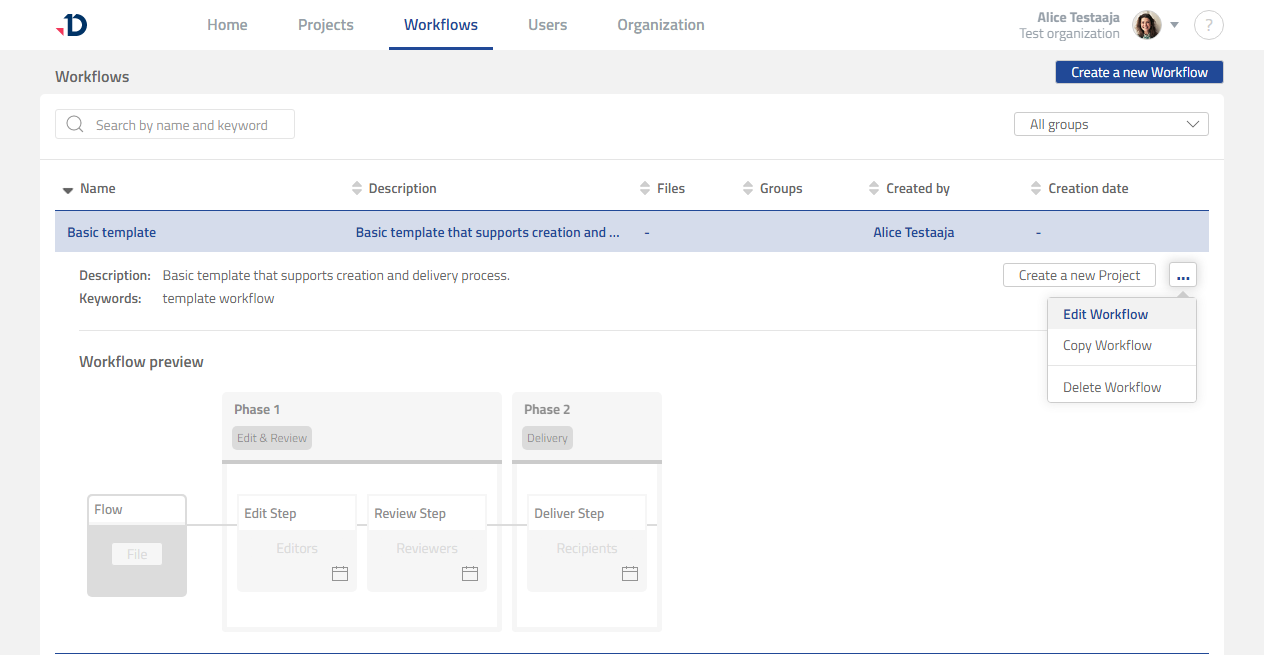
If you have existing Workflows, you can also create a new project based on a Workflow.
1. Go to Workflows page.
2. Click the Workflow that you want to use.
3. Click [Create a new Project] button.
Preview
From inside a Workflow template
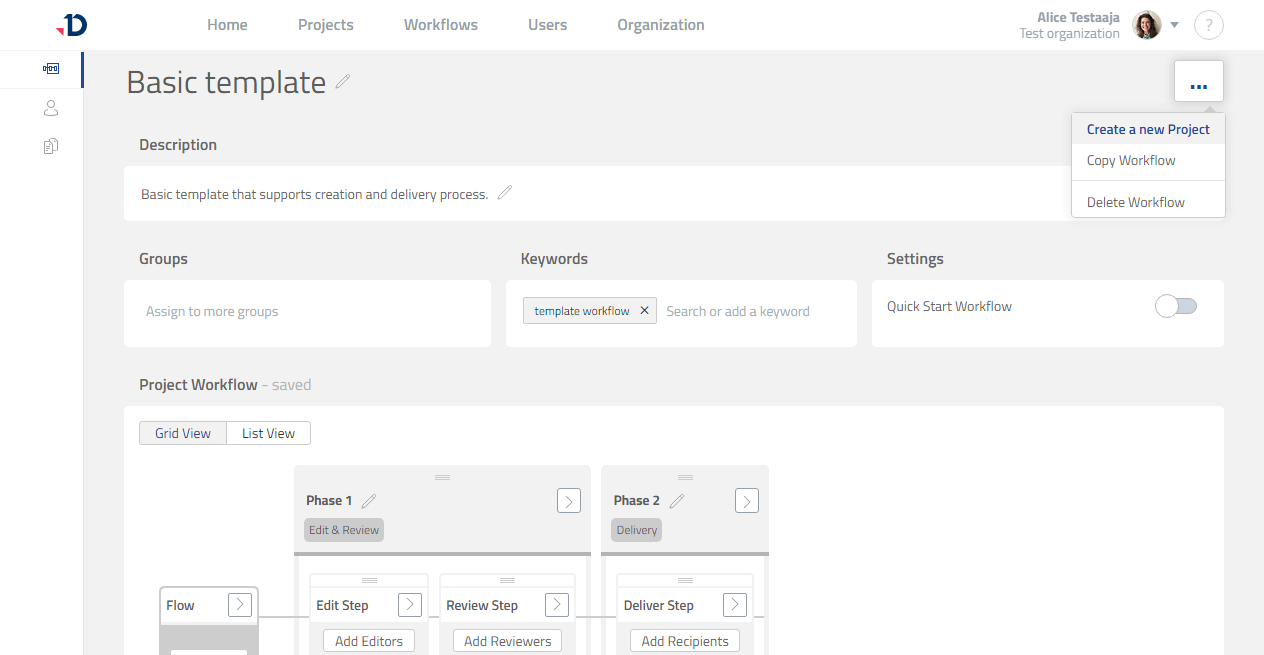
1. Go to Workflows page.
2. Edit the Workflow template that you want to use.
Preview
3. Click […] button.
4. Click [Create a new Project] button.
Preview