
Available to Organization Admin.
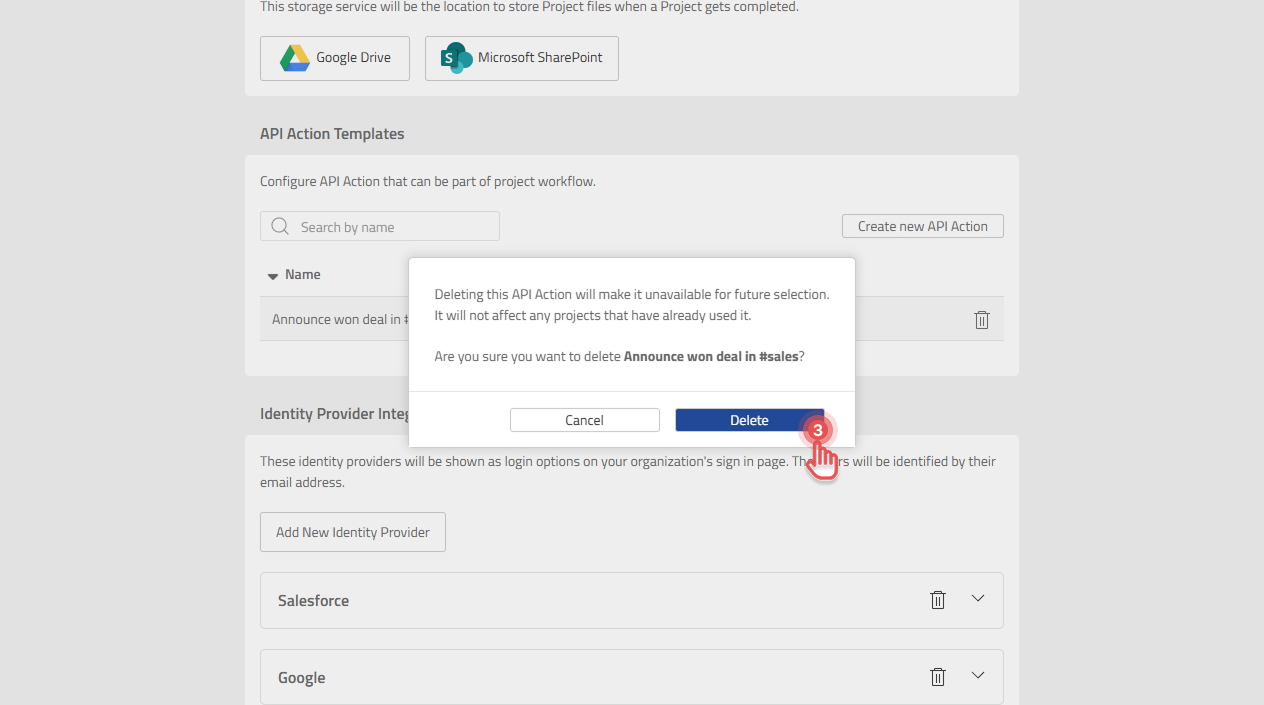
Deleting a template removes it from the list of templates that can be added to workflows. API Action Steps already in Projects are not deleted.
Delete a template
-
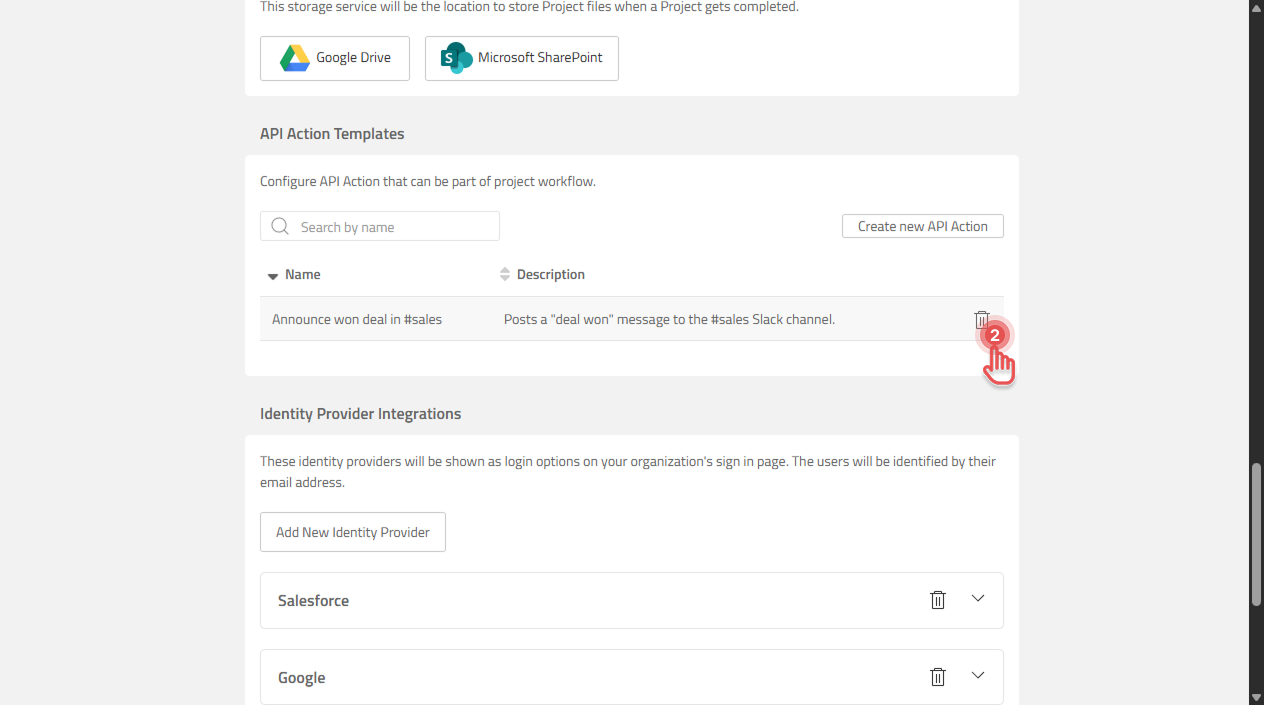
Open the Organization page and scroll to “API Action Templates” section.
-
Click the trash icon (Delete API Action) next to the template.
Preview
-
Confirm the deletion.
Preview
What happens to Projects that use the template
Each API Action Step has its own copy of the template, so Projects that already use it keep working with the same settings. The template can no longer be chosen for new API Action Steps.