
Available to Organization Admin.
Editing a template changes only the API Action Steps added after you save. Projects and Workflow Templates that already use the template are not updated.
Edit a template
-
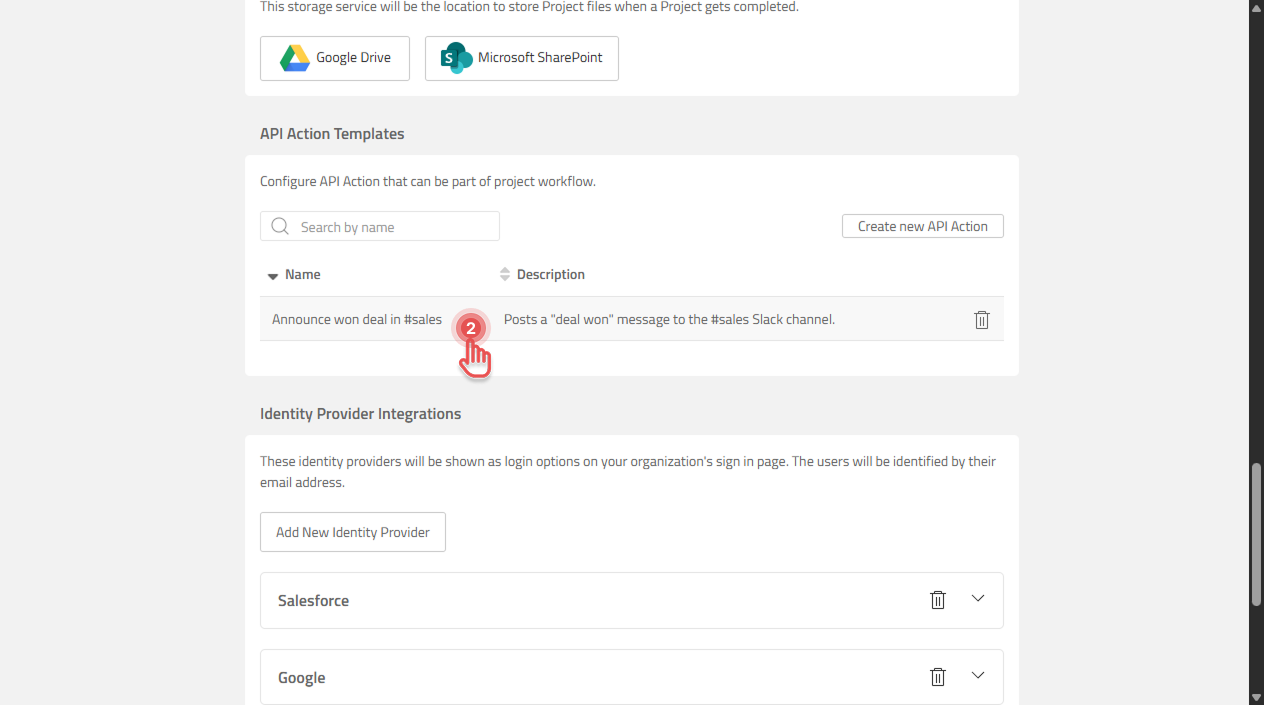
Open the Organization page and scroll to “API Action Templates” section.
-
Click the template you want to change.
Preview
-
Change the options and click [Save]. To discard your changes, click [Cancel].
Preview
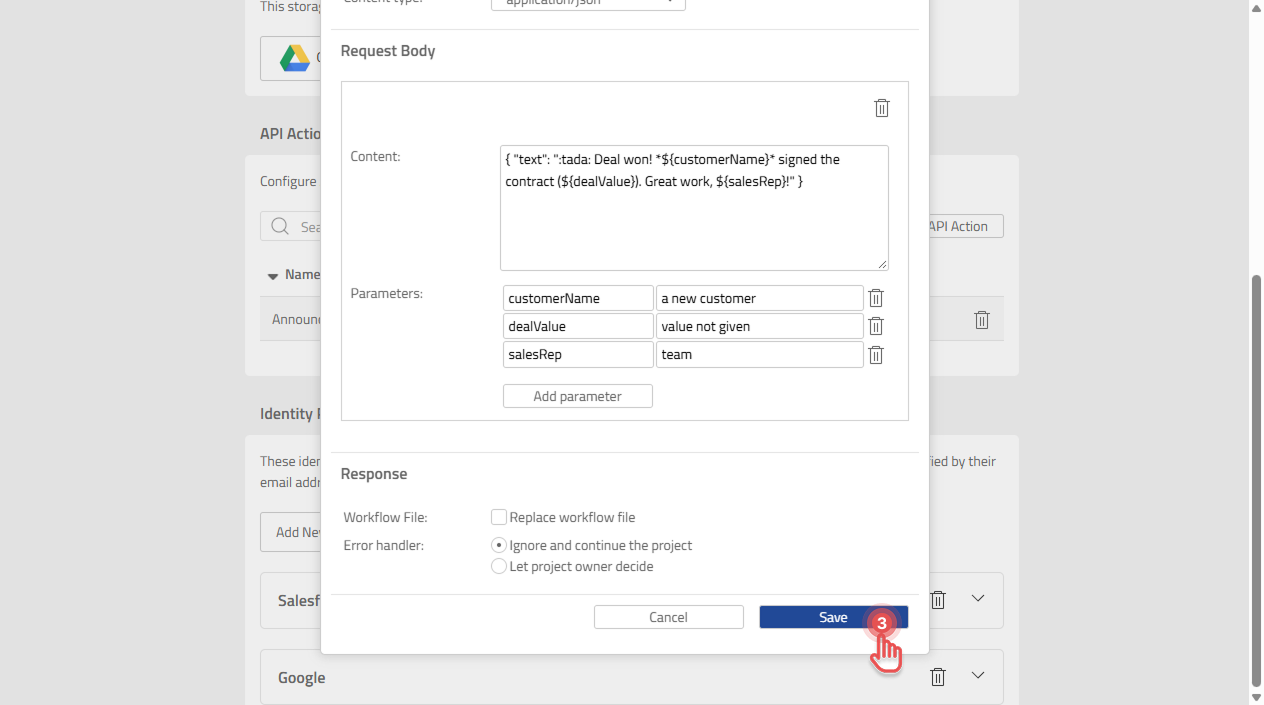
The options and the messages you may see when saving are described in Create an API Action Template.
What happens to Projects that use the template
When a template is added to a workflow, the API Action Step gets its own copy of the template. Editing the template does not change that copy, so existing Projects and Workflow Templates keep the earlier settings.
To use the new settings in an existing Project, remove the API Action Step and add it again from the updated template.