
Available to Organization Admin.
You can return the signature page to Documill’s default template at any time.
Reset the template
-
Go to the Organization page and scroll to Branding.
-
In the Signature Page Template panel, click Customize.
-
Click Reset to default at the bottom of the settings column.
-
Click Save.
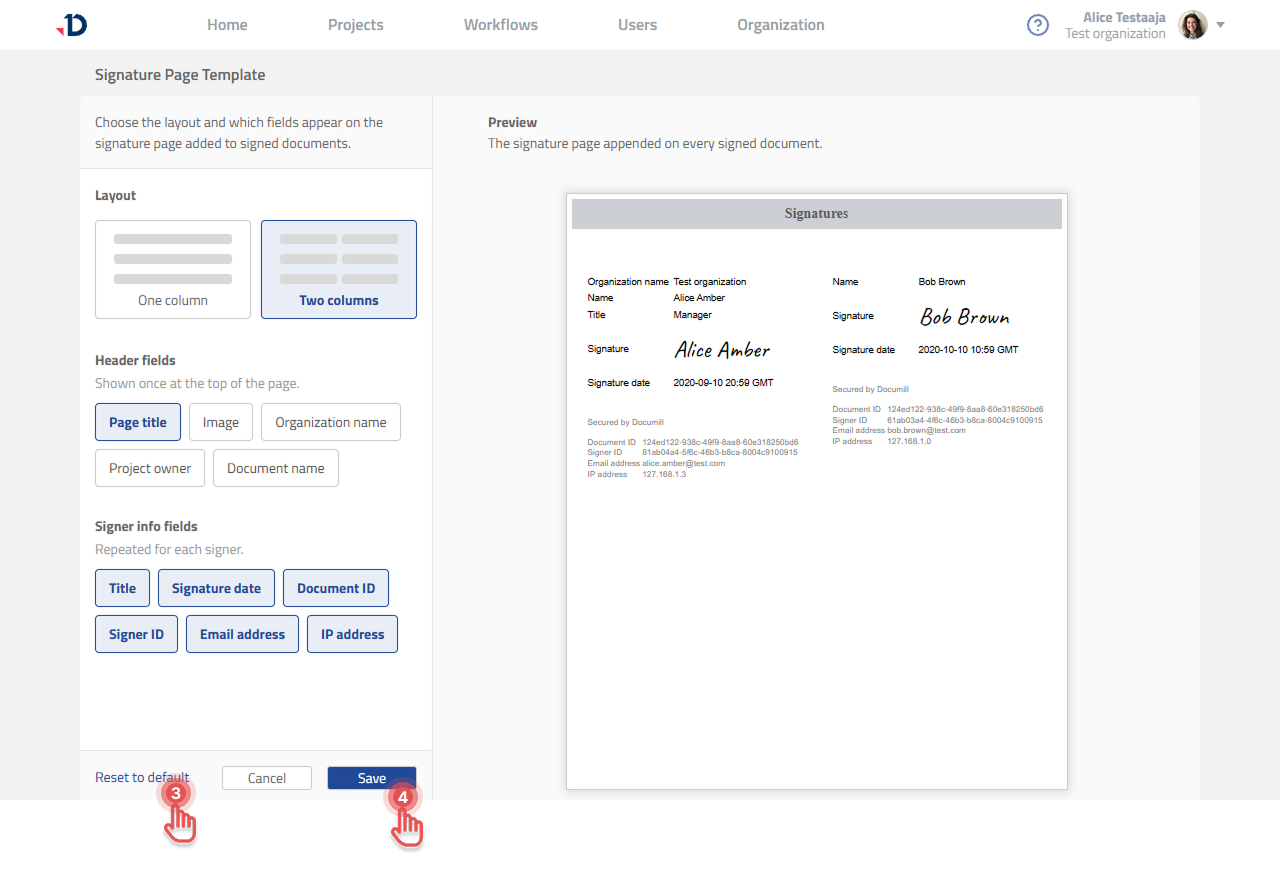
Nothing changes until you click Save. If you change your mind, click Cancel and your customized template is left as it was.
After resetting
The layout and field selection return to the Documill defaults, and the panel reads Using default template again.
Documents that were already signed are unaffected, each one keeps the signature page it was issued with. The default template applies to documents signed after you save.