Available to Users registered with Leap.
Notifications in Leap keep you informed about important changes in Projects in which you participate. You can configure two types of Project notifications:
-
Project Owner notifications.
-
Collaborator notifications.
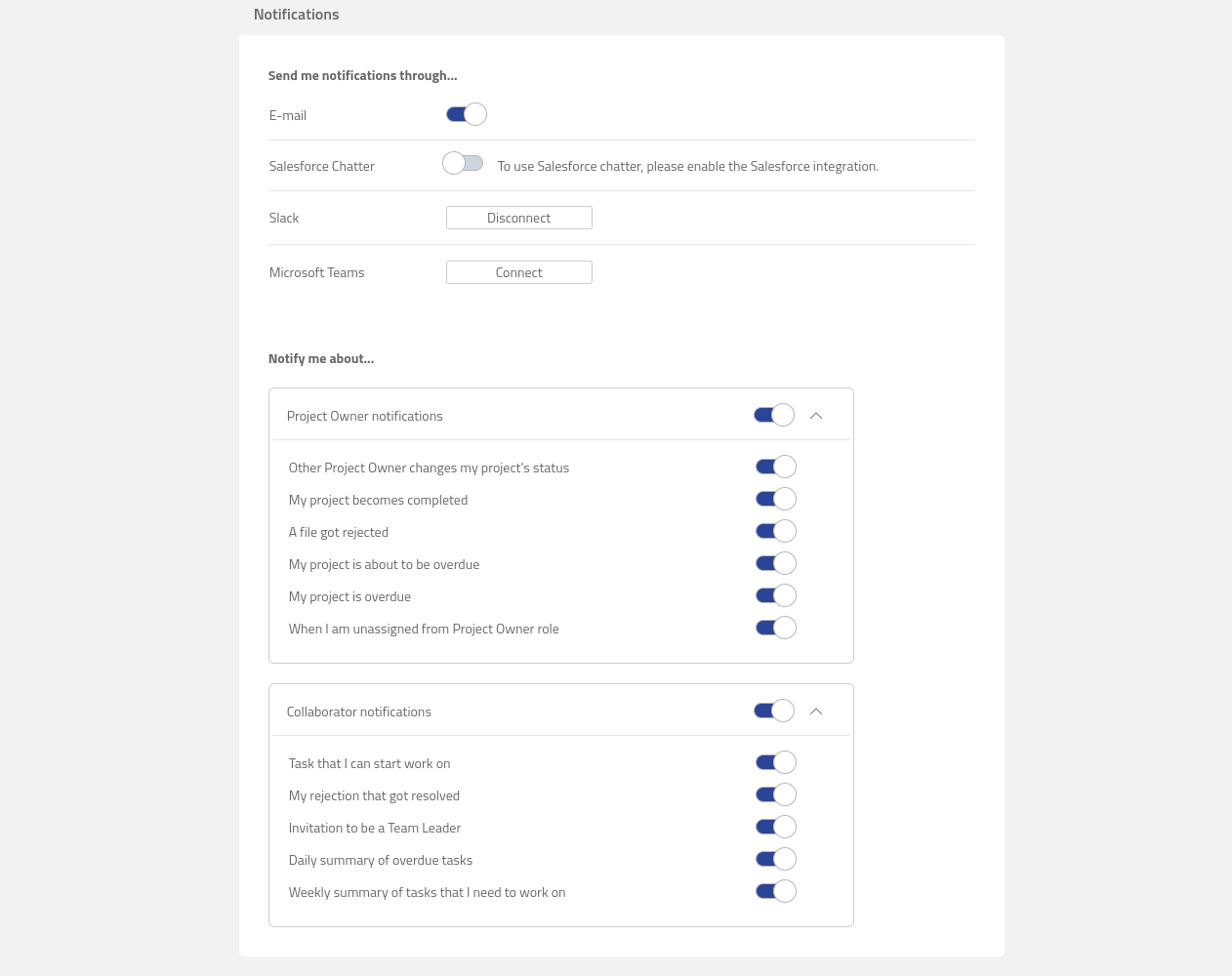
Leap offers to receive Project notifications through the following channels:
-
E-mail.
-
Salesforce Chatter.
-
Slack.
-
Microsoft Teams.
Learn more about how to set up notification channels: Configuring Notification Channels.
Unsubscribe from Notification Emails
You can unsubscribe from Notification Emails by following the steps below:
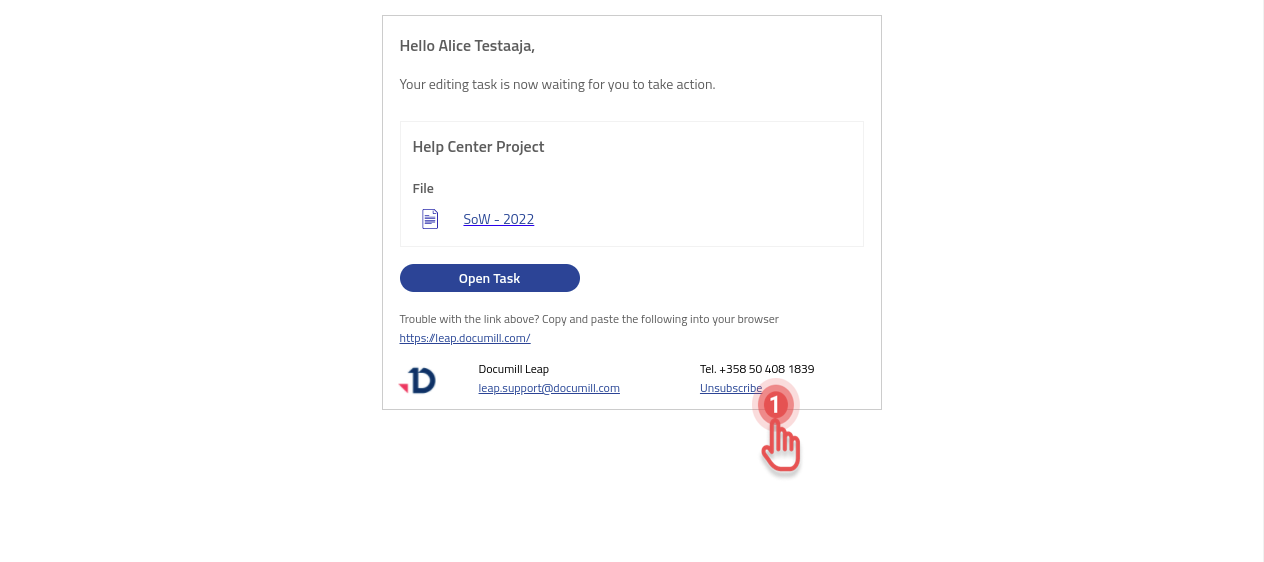
1. Click [Unsubscribe] link inside a notification that you want to unsubscribe from.
Preview
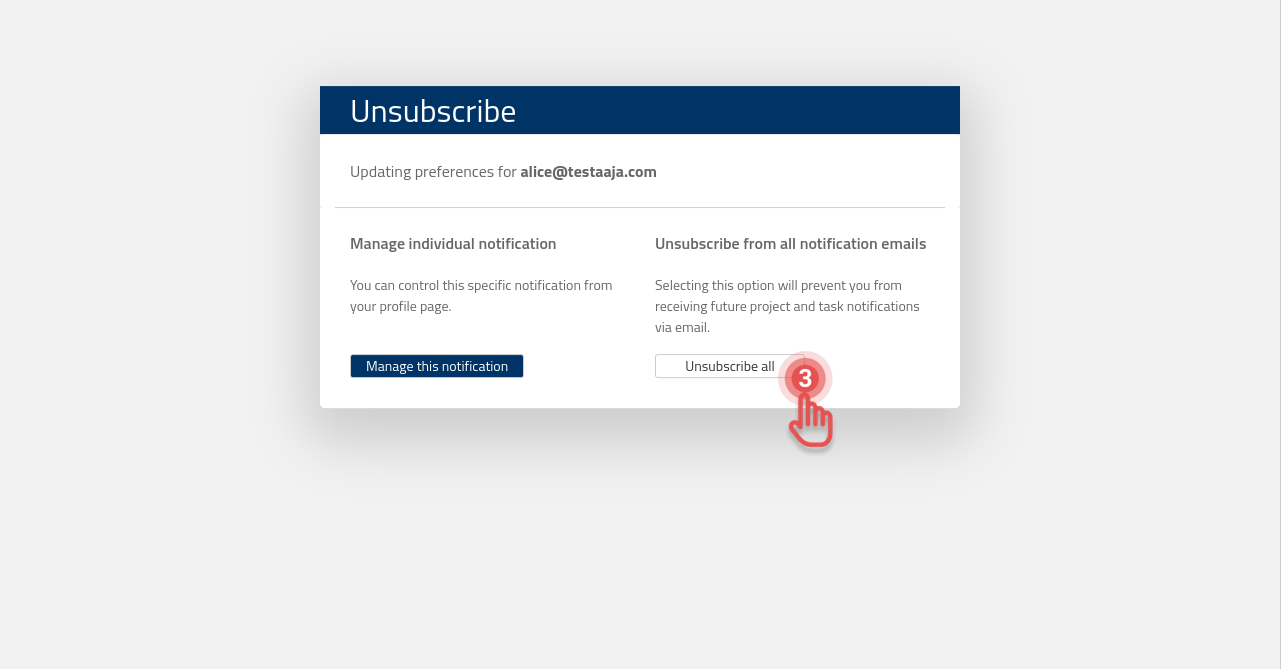
2a. If you want to unsubscribe from all notification emails:
Unsubscribe from all notification emails
3. Click [Unsubscribe all] button.
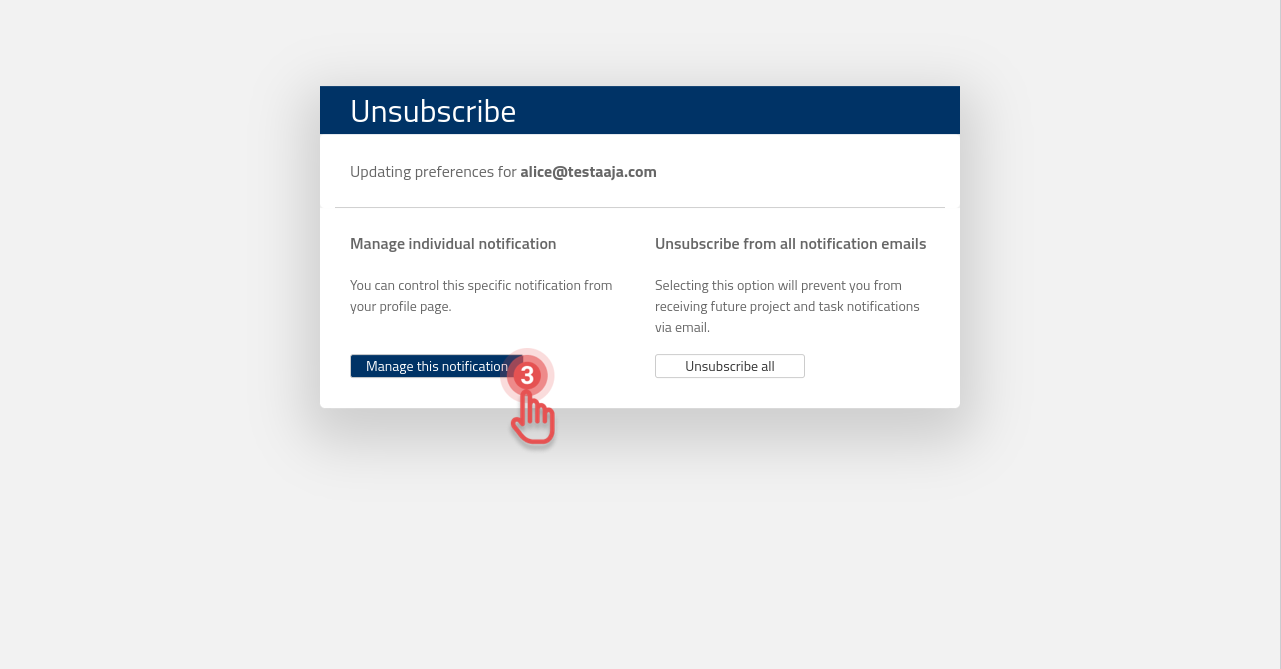
2b. If you want to unsubscribe from this specific notification:
Manage individual notification
3. Click [Manage this notification] button.
4. Sign in to your organization account.
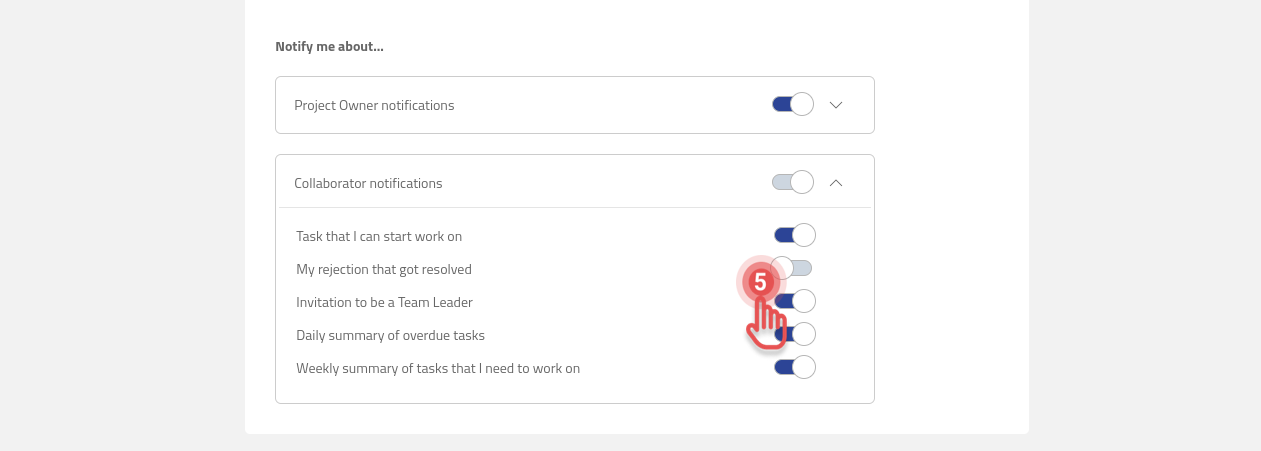
5. Toggle the button of the notification you want to unsubscribe to OFF.