To sign in to your Organization:
-
On the landing page [https://leap.documill.com], click on [Login] link.
Preview

-
Enter your email address on the login screen and click [Continue].
Preview

-
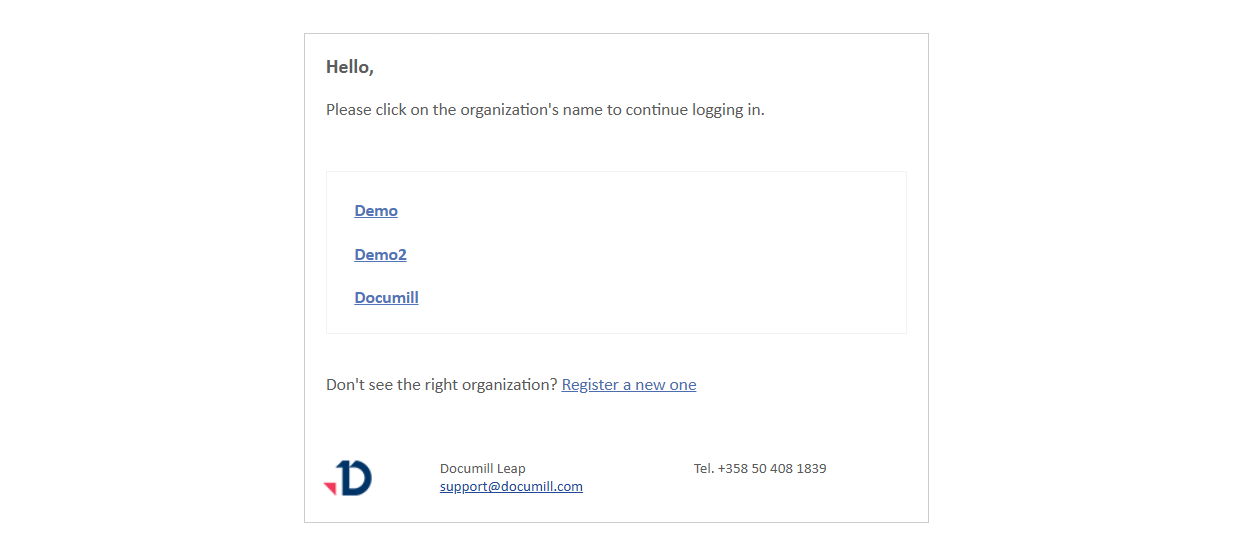
You will receive an email at your registered email address, containing a list of all your registered organizations.
Preview
-
Open the email and click on the organization name that you want to log in to.
Preview

-
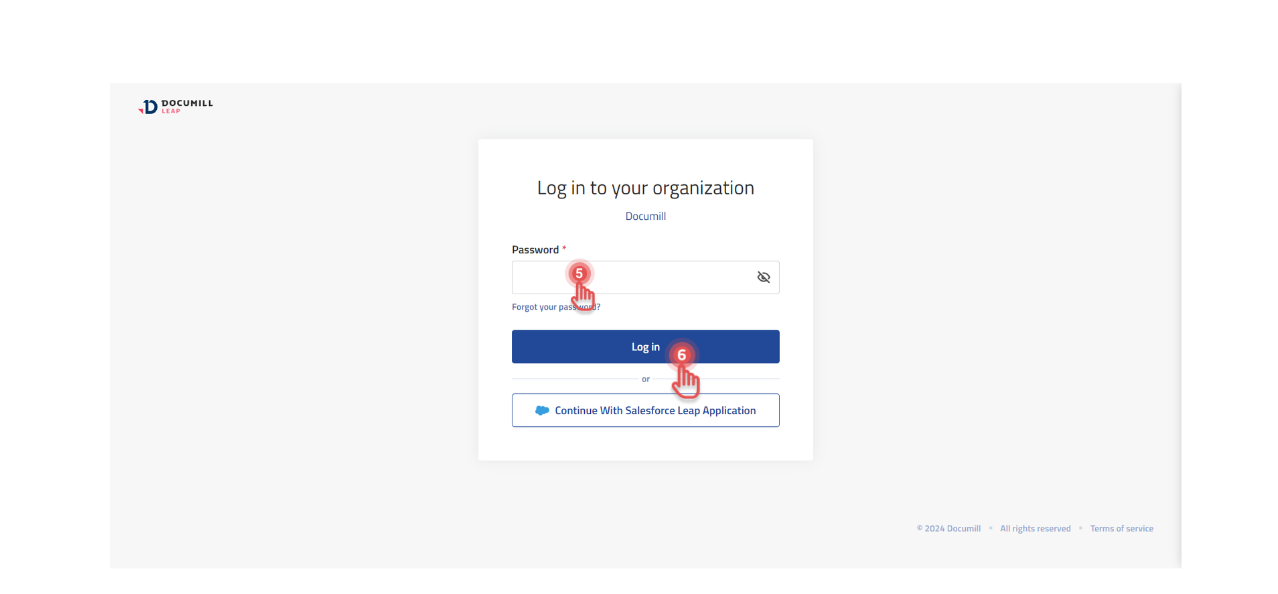
Enter your password and click [Log in].
Preview
-
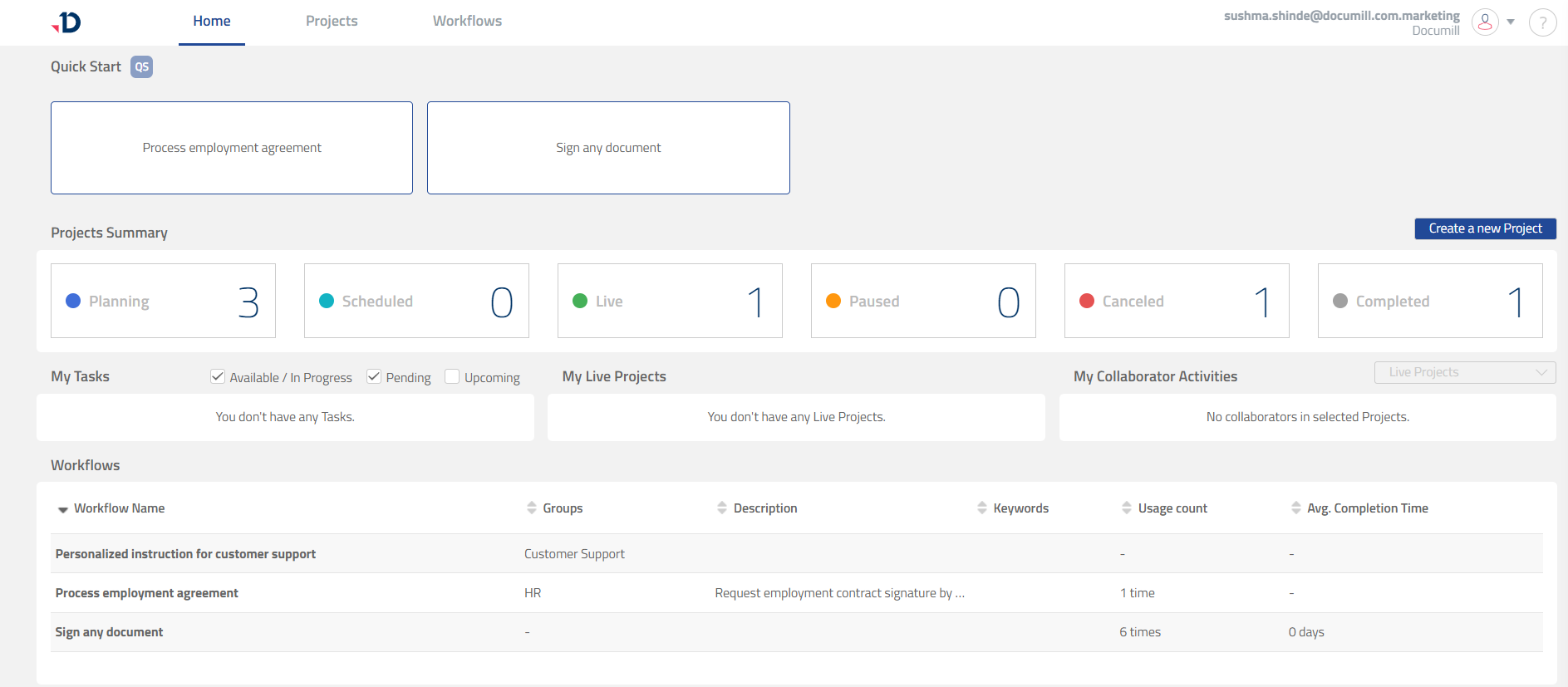
You are now logged into Documill Leap for the selected organization.
Preview