
Available to Organization Admin.
You can return your organization to Documill default branding at any time.
Reset to default clears everything in Appearance together: your logo, both colors, and all three e-mail footer details. If you only want to undo one color, use the Reset link next to that color instead. To only remove the logo, use Delete under Logo.
Reset all Appearance settings
-
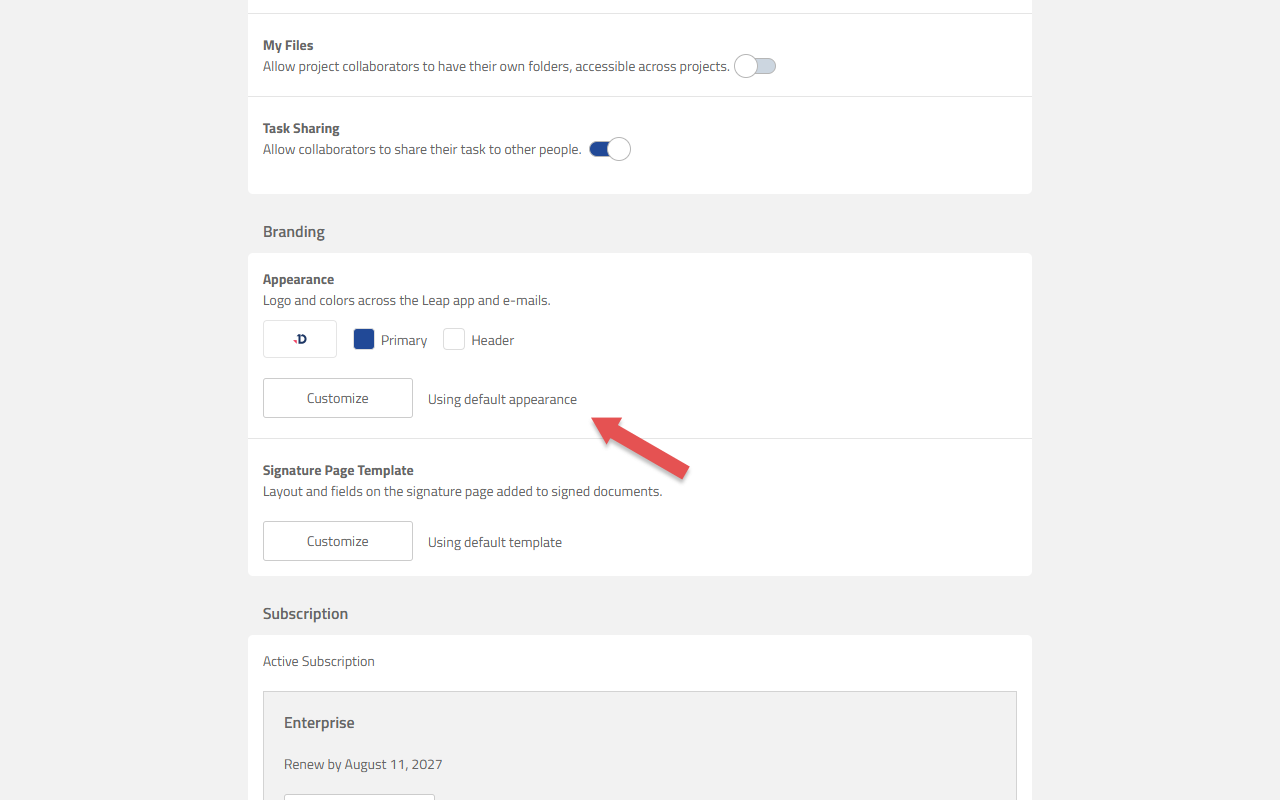
Go to the Organization page and scroll to Branding.
-
In the Appearance panel, click Customize.
-
Click Reset to default at the bottom of the settings column.
-
Click Save.
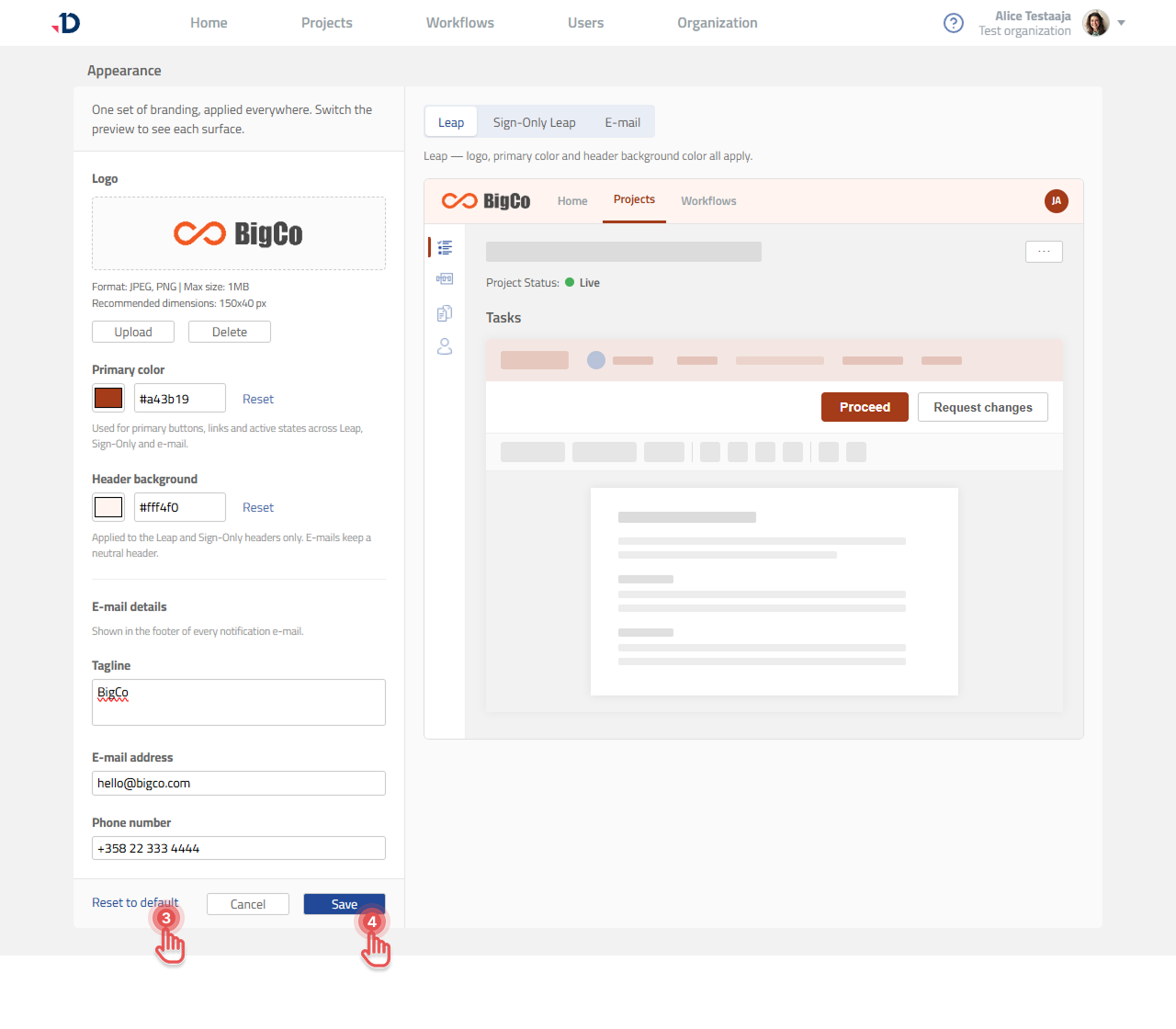
Nothing changes until you click Save. The reset is staged in the editor first, so if you change your mind you can click Cancel and your existing branding is left untouched.
Result
The Documill logo and default colors return, and the Appearance panel reads Using default appearance again.
For e-mails, Documill branding appears in the footer of messages sent after you save.