
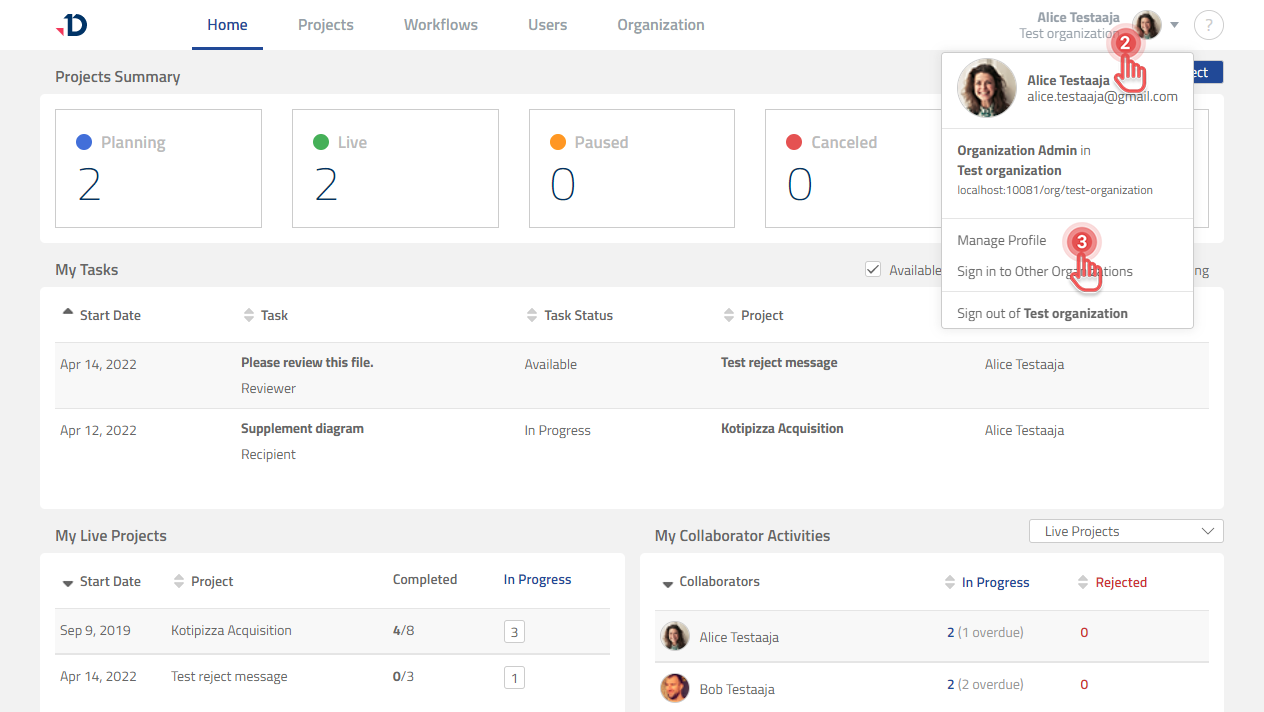
To perform administrative tasks, including how to add your Salesforce Users into your Leap Organization, you need to connect your Leap Account to your Salesforce Account. This can be done via your Profile page in Documill Leap:
1. Open Documill Leap web app.
2. Click on your Profile Information to open User Profile menu.
3. Select [Manage profile] option.
Preview...
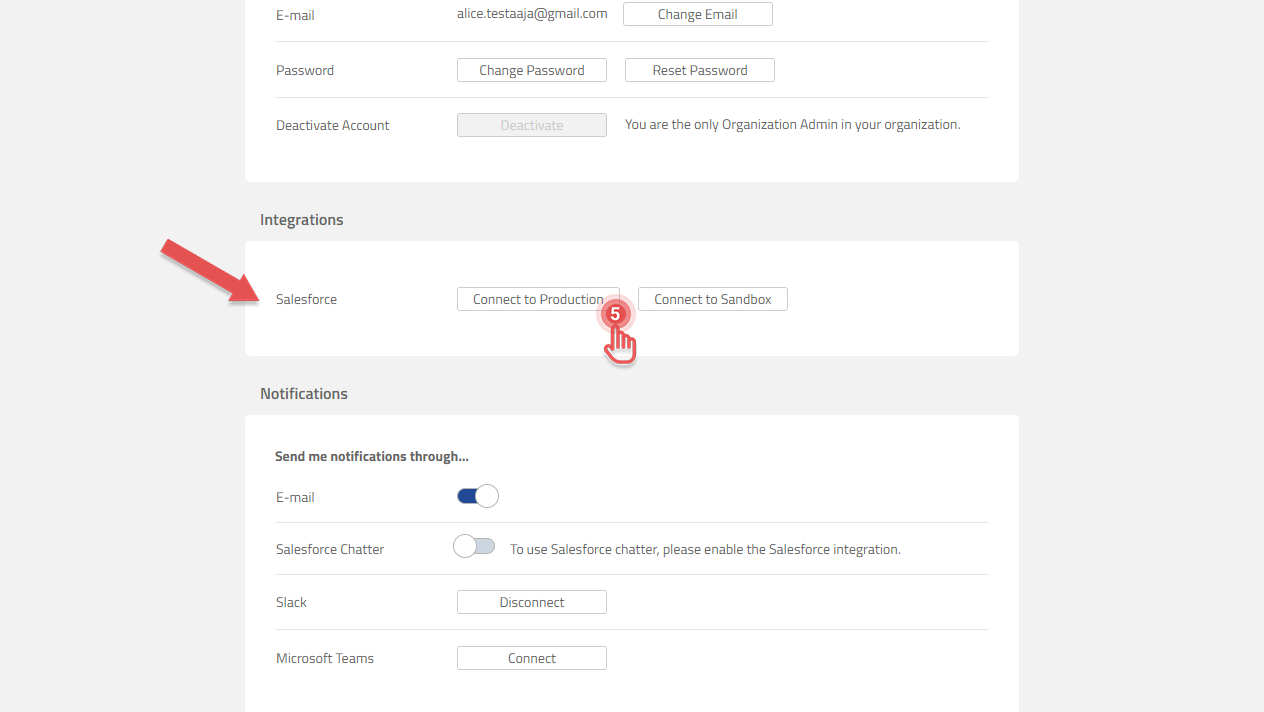
4. Scroll to the Salesforce entry under the Integrations section.
5. If you installed Documill Leap Salesforce app in a Production Salesforce environment, click [Connect to Production] button. Otherwise, click [Connect to Sandbox] button.
Preview...
6. Inside the Salesforce authorization screen, click [Allow] button.
Preview...
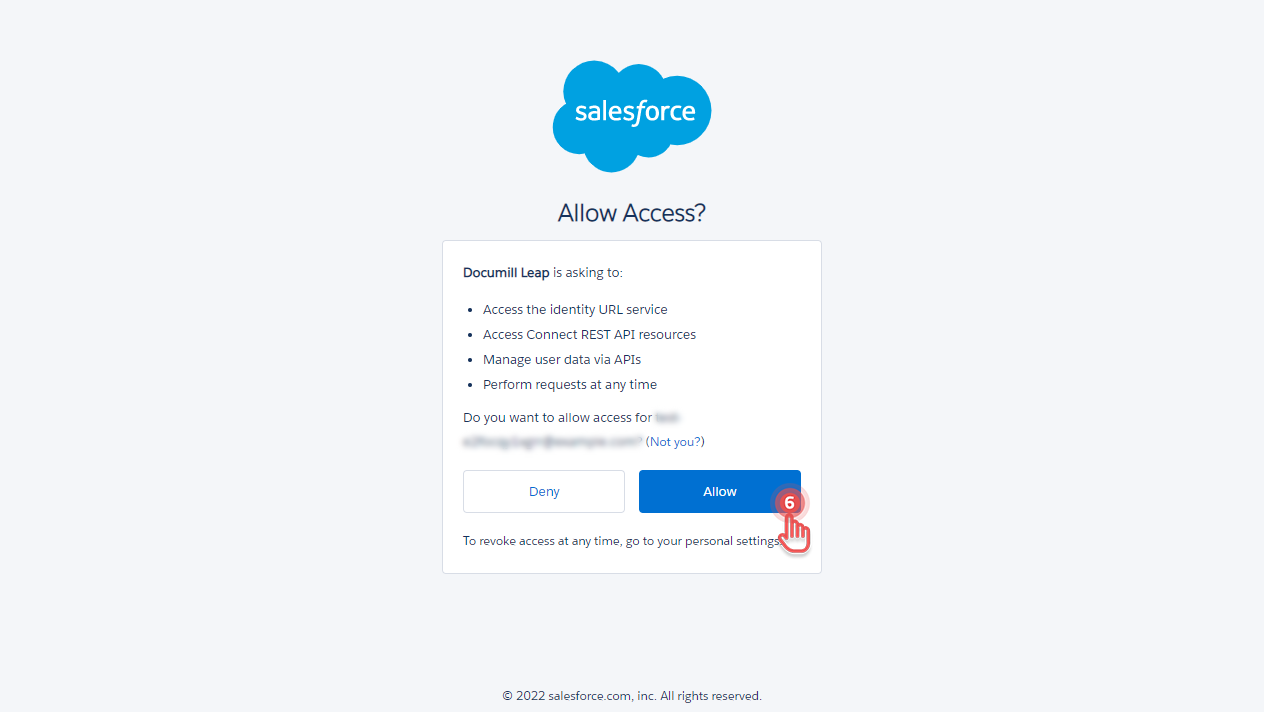
Once done, your Leap Account is connected to your Salesforce Account.