
Available to Leap Organization Admin.
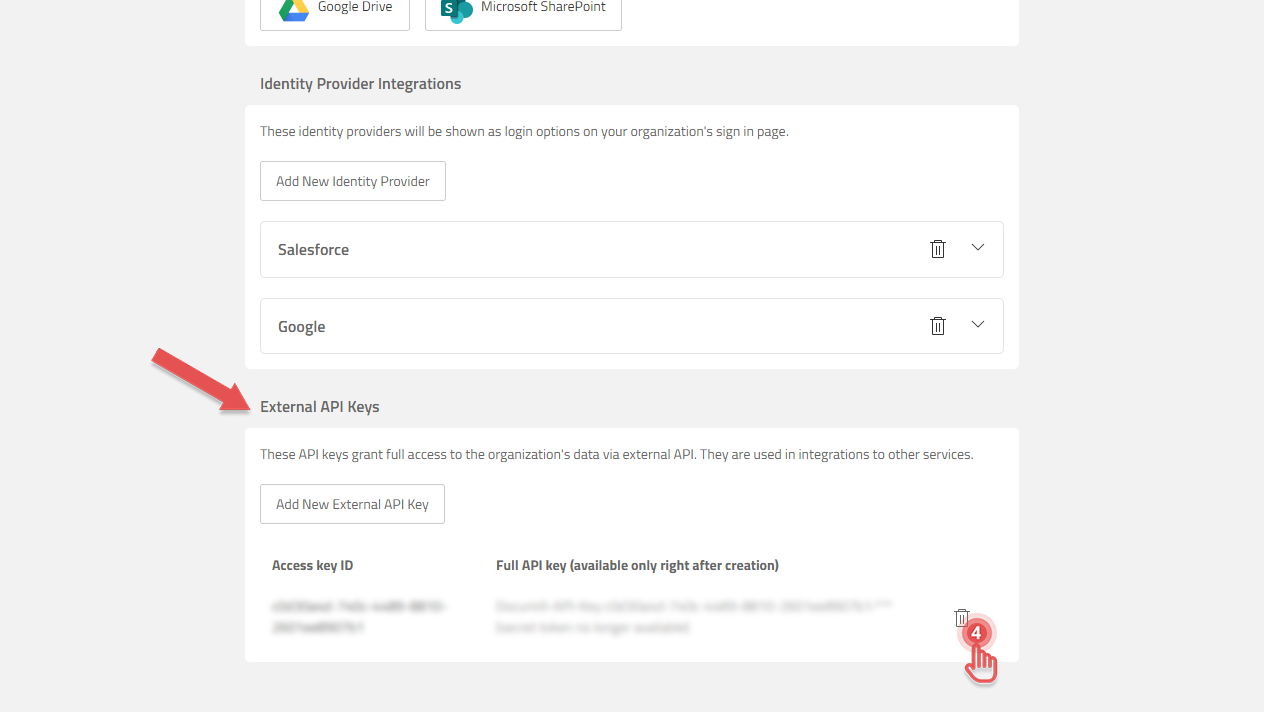
Disconnecting from a Leap Organization can be done by removing the External API Key that was generated during initial setup:
1. Open Documill Leap web app.
2. Go to Organization page.
Preview...
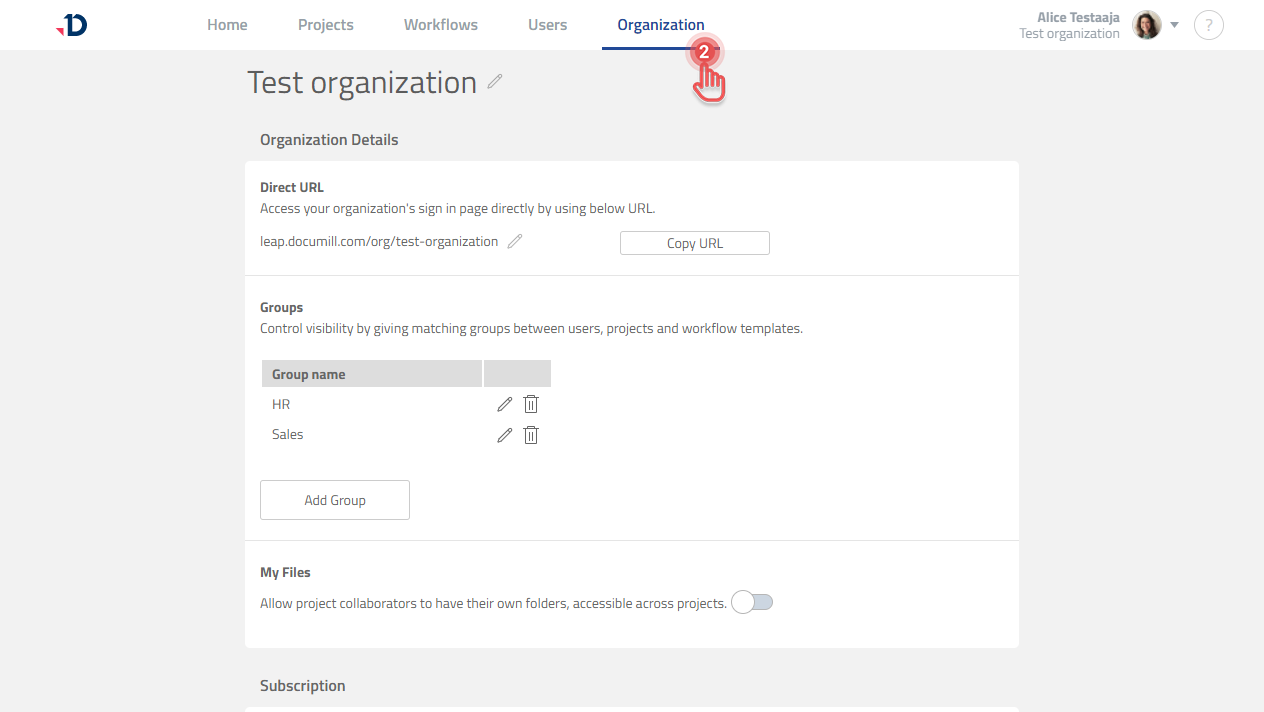
3. Scroll down to External API Keys section.
4. Click [Trash] icon to remove the External API Key.
Preview...
Disconnecting from a Leap Organization does not remove your data in Documill Leap.