-
Available for Approving Editor, Editor, and Commenter tasks.
-
Available when the project is configured with Allowing to use Microsoft Office app
Depending on the project configuration that your task belongs to, you might be required to work on the document using the Microsoft Office app.
Using Microsoft Office app
-
Open your Task.
-
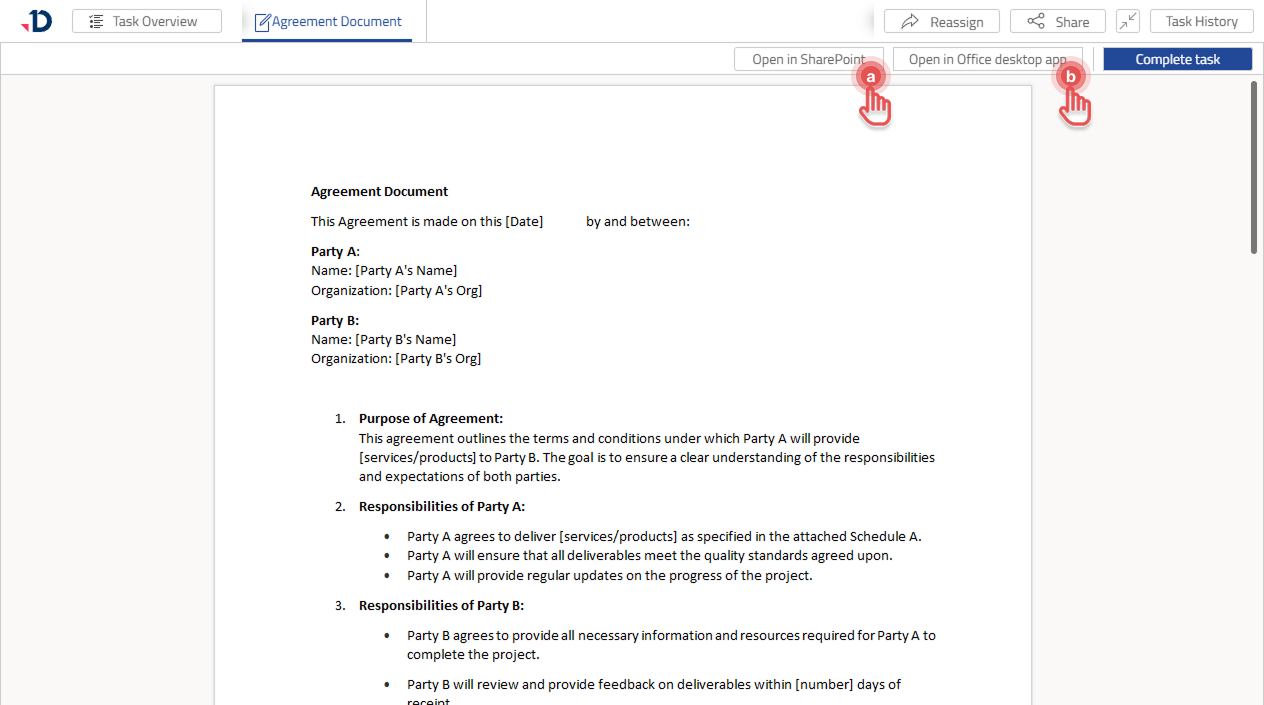
Click either [Open in SharePoint] to use the online version or [Open in Office desktop app] to use the desktop version of the Microsoft Office app.
-
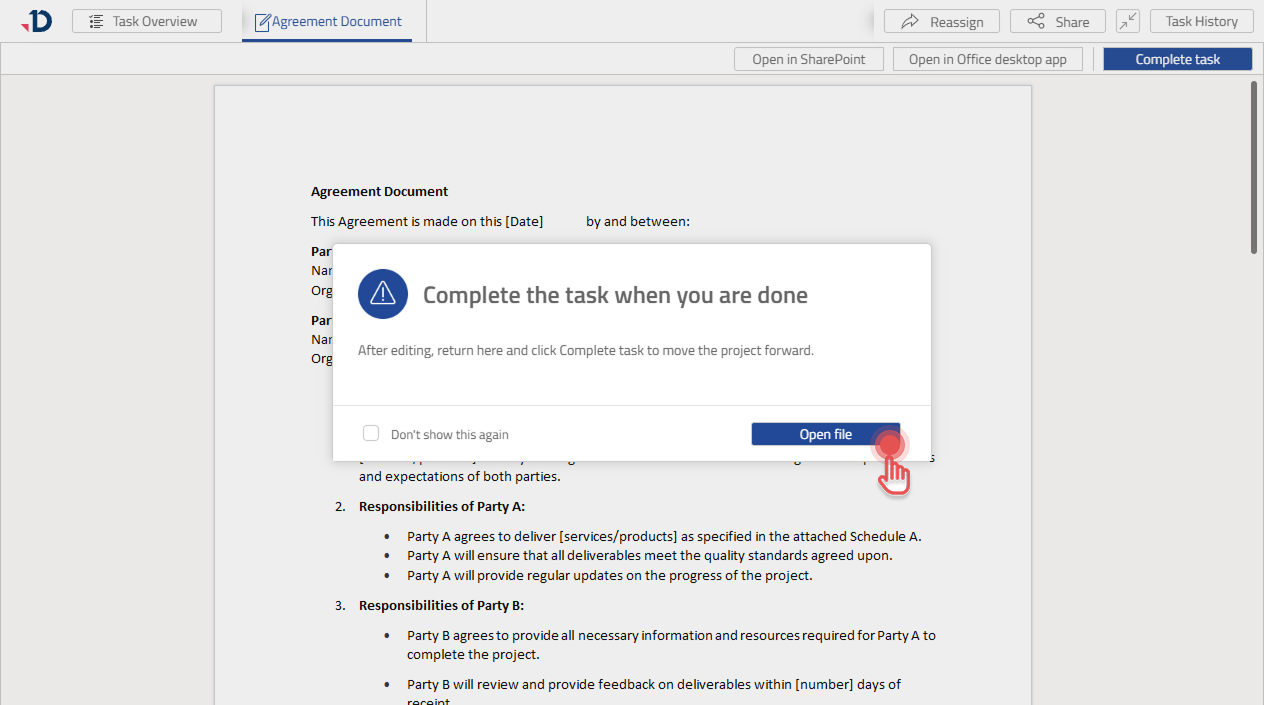
In the confirmation dialog, click [Open file].
-
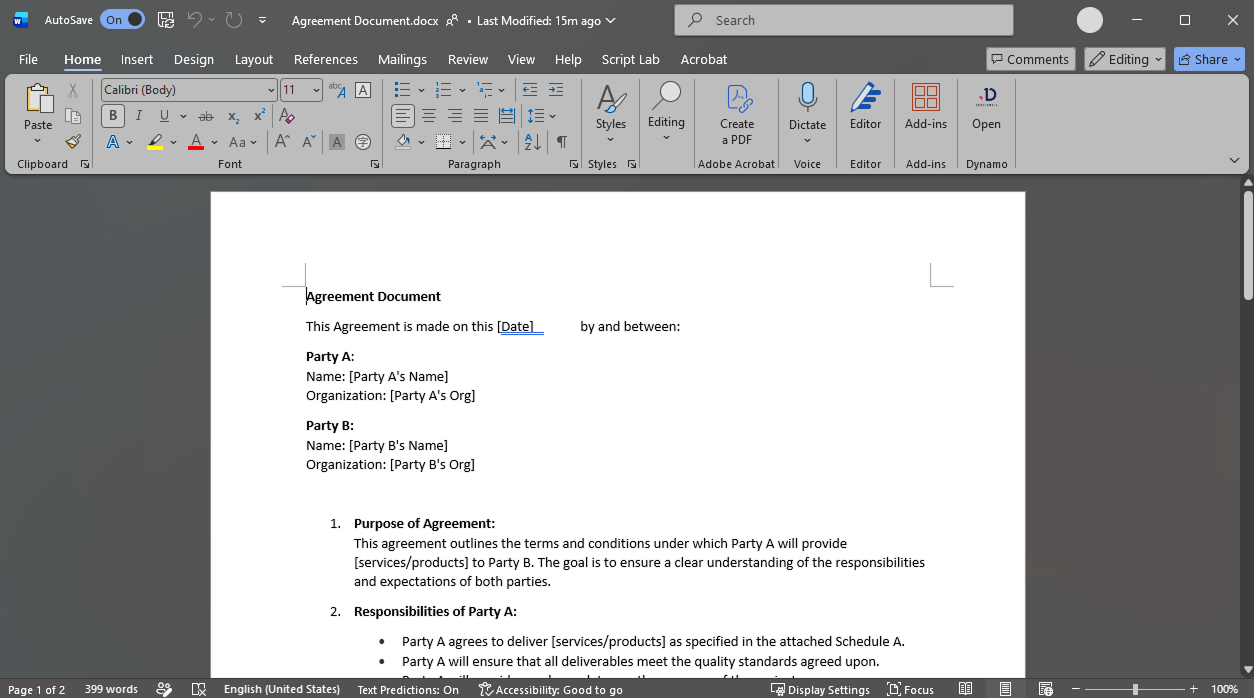
Microsoft Office app should now open and you can work on your Task.
-
The desktop version of Microsoft Office app is available only to collaborators who are also registered in the configured SharePoint.
-
Collaborators who are not registered in the configured SharePoint can use the online version of Microsoft Office app.
Completing the Task
Once the editing has been completed, return to Documill Leap UI to complete the Task:
-
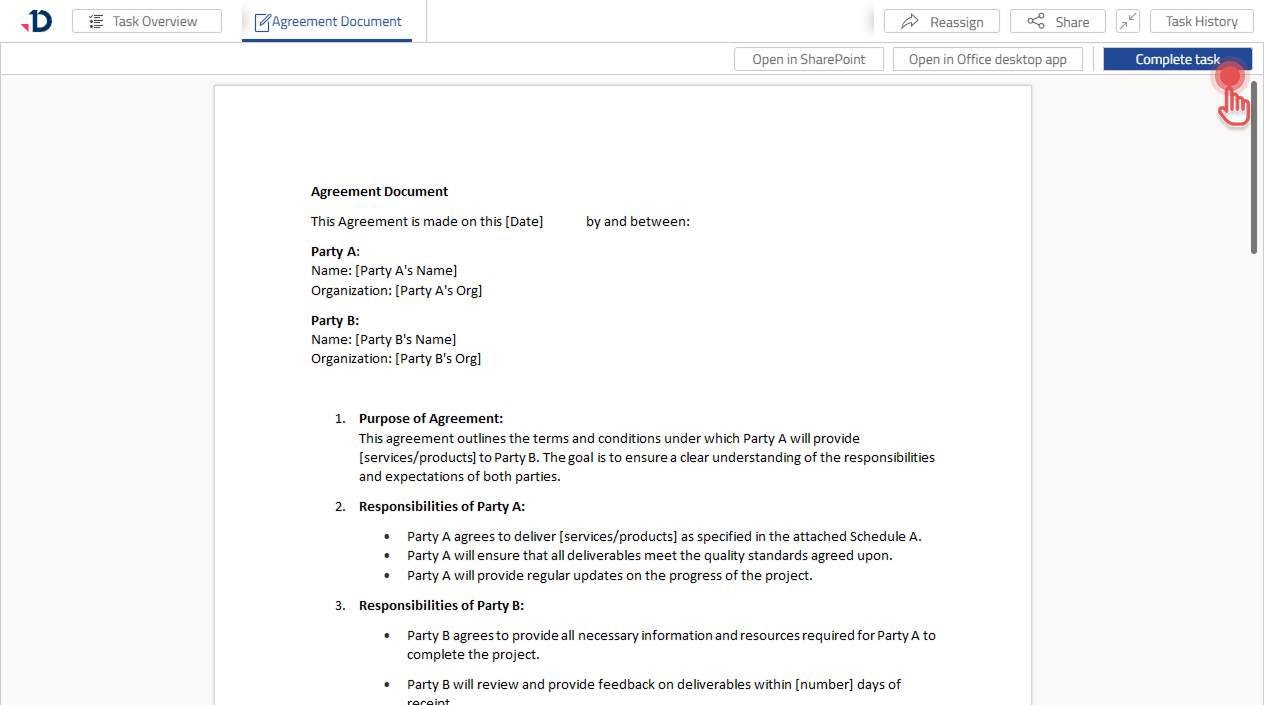
Click [Complete task] button.
-
Click [Complete task] in confirmation dialog.