As an Editor, you can modify the File inside your Task and edit it until you complete the task.
Working on the File
Your task as an Editor includes actions based on the File format:
DOCX File
-
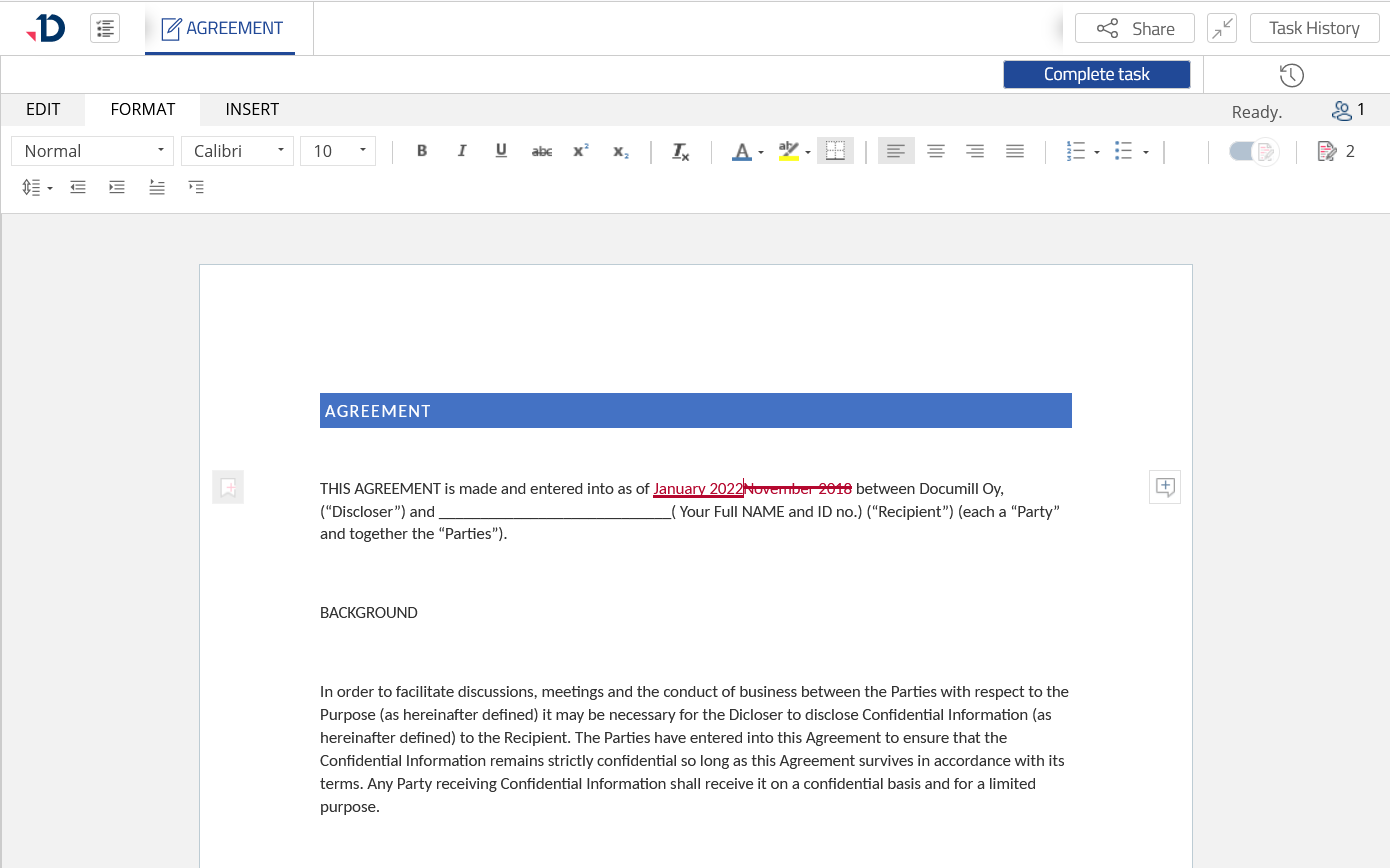
Modify the content using Text Editor.
Preview
-
Modify the content Using Microsoft Office application .
View-only File formats
-
Preview the File.
-
Download the File to edit it on your computer.
-
Upload a New Version of the File.
Image File formats
-
Preview the Image.
-
Download the Image and edit it on your computer.
-
Upload a New Version of the Image.
Other File formats
-
Download the File to edit it on your computer.
-
Upload a New Version of the File.
Completing the Task
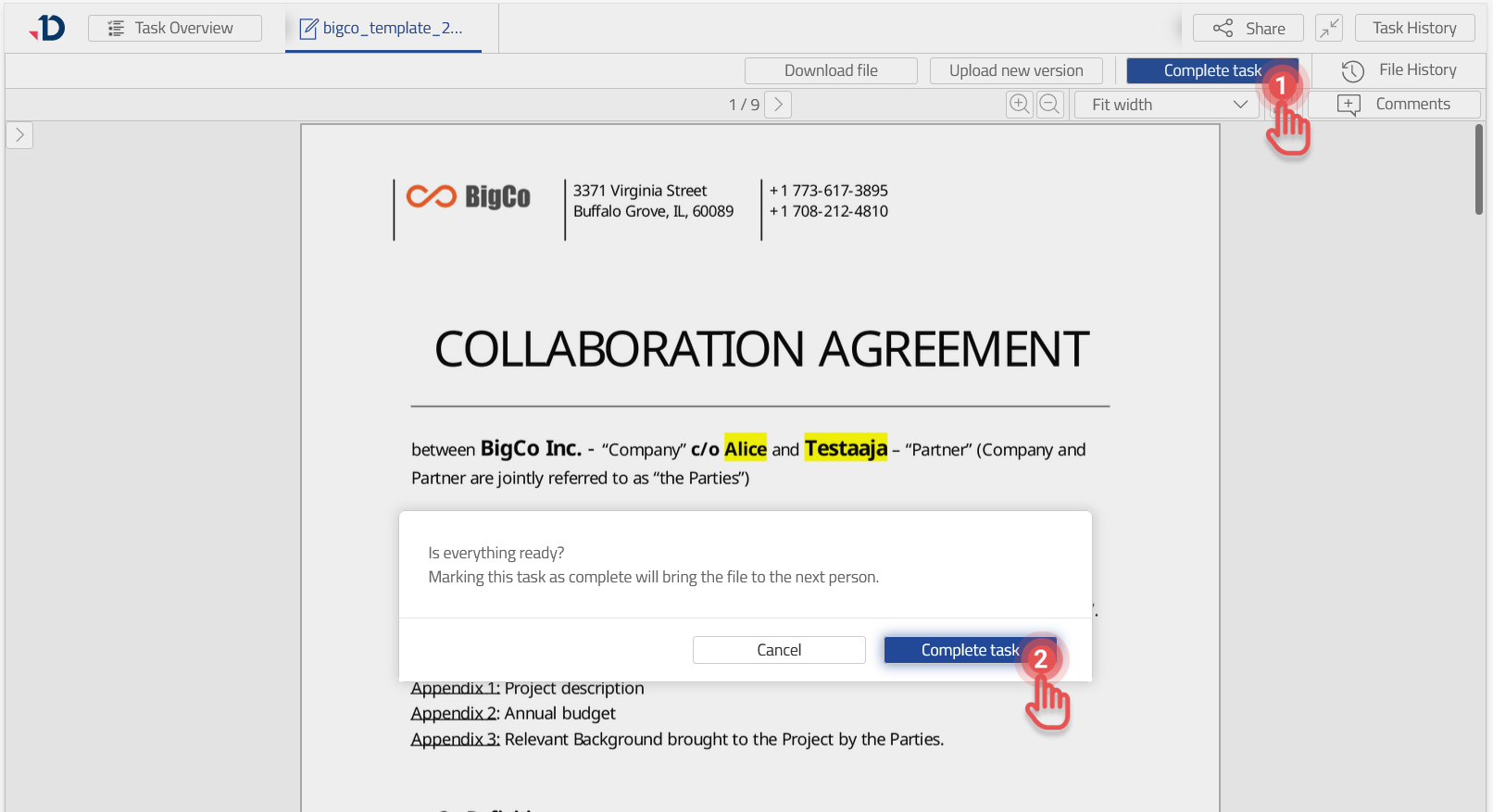
Once the editing has been completed, you can complete the Task as follows:
1. Click [Complete task] button.
2. Click [Complete task] in confirmation dialog.
Preview