
Available to Project Owner.
You can choose which language a Guest Collaborator sees. The setting controls two things:
-
The language of the notification e-mails Leap sends them
-
The language the interface is in when they open their Task.
Only guest collaborators have an editable Language. Users in your organization can choose their own language in their profile (see Changing Language).
Set the language
-
Open the Project and go to the Collaborators tab.
-
Find the guest collaborator’s row.
-
In the Language column, click the dropdown and choose a language.
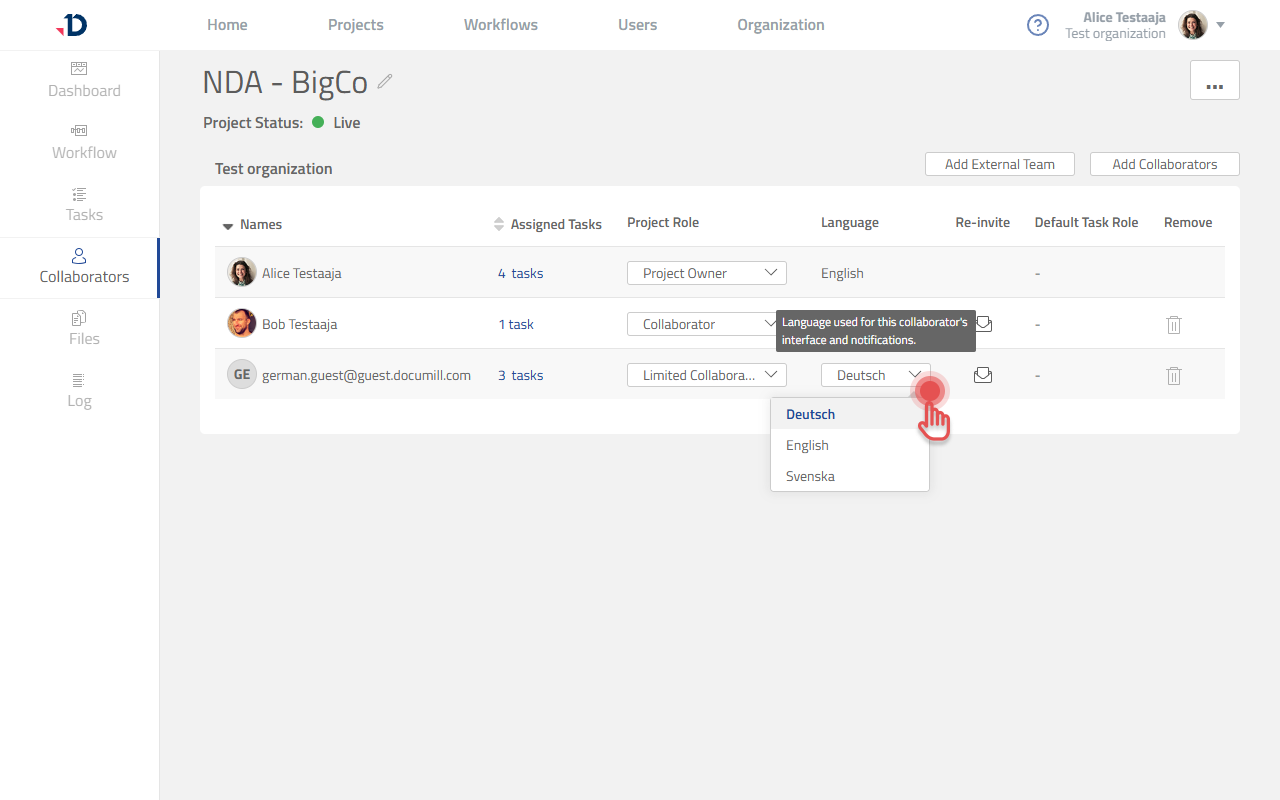
The available languages are Deutsch, English and Svenska.
What the guest receives
Notification e-mails are sent in the chosen language.
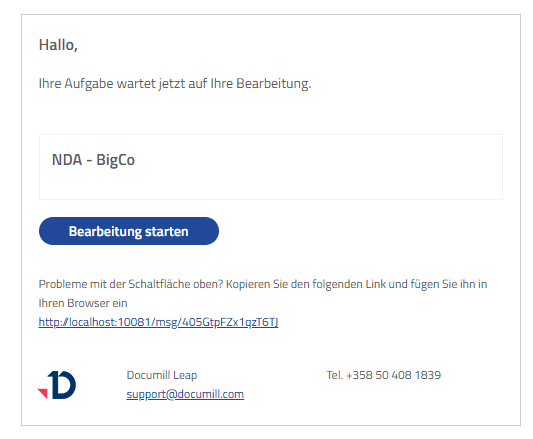
What the guest sees
When the guest opens their Task, the interface is in that language.
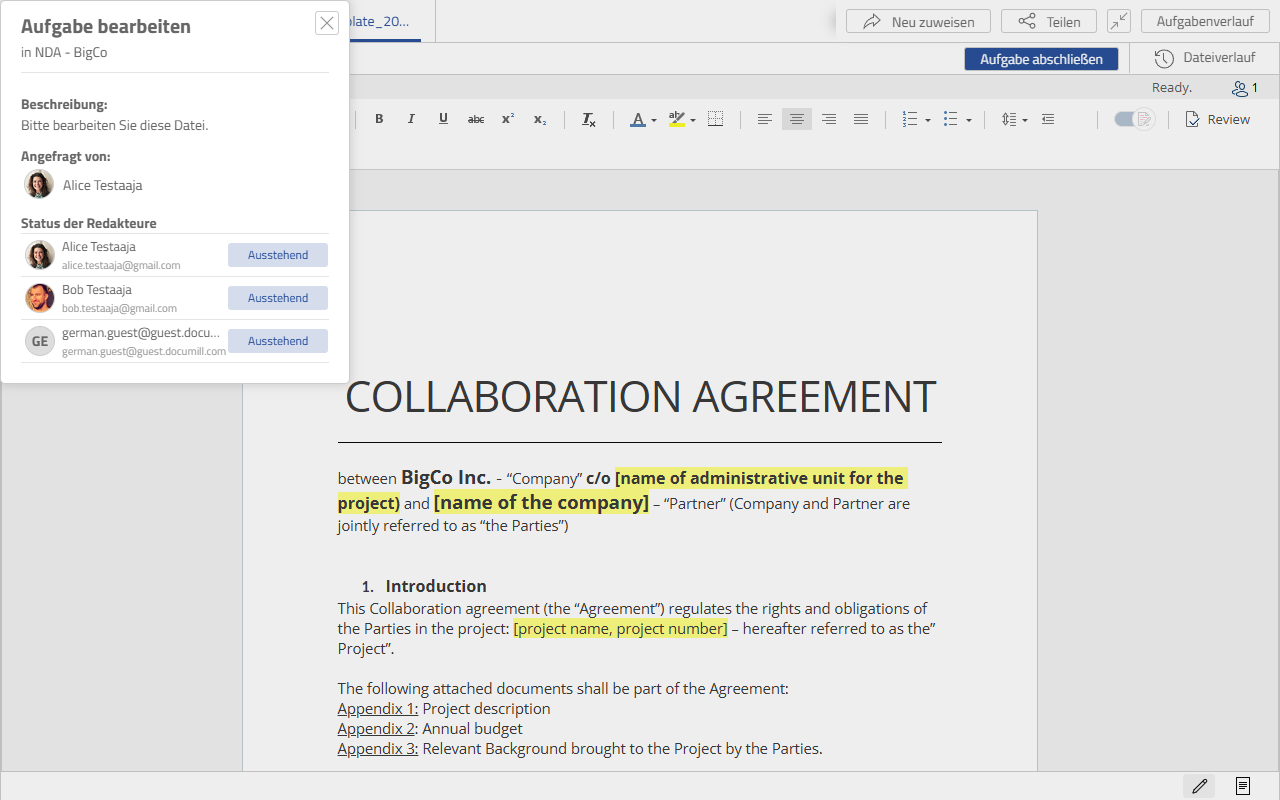
The language you choose is a starting point, not a restriction. The guest can switch the interface to another language at any time using the globe button on their Task (see Changing Language on a Task). Doing so changes what they see, and does not change the language of the e-mails they are sent.
Changing the language later
You can change a guest’s language at any time, including after the Project has gone live. Later notifications then use the new language.
If a notification has already been sent in the previous language, you can send it again in the new one: go to the Project’s Tasks tab and use the button in the Resend Notification column on that task’s row.