
Available to Project Owner.
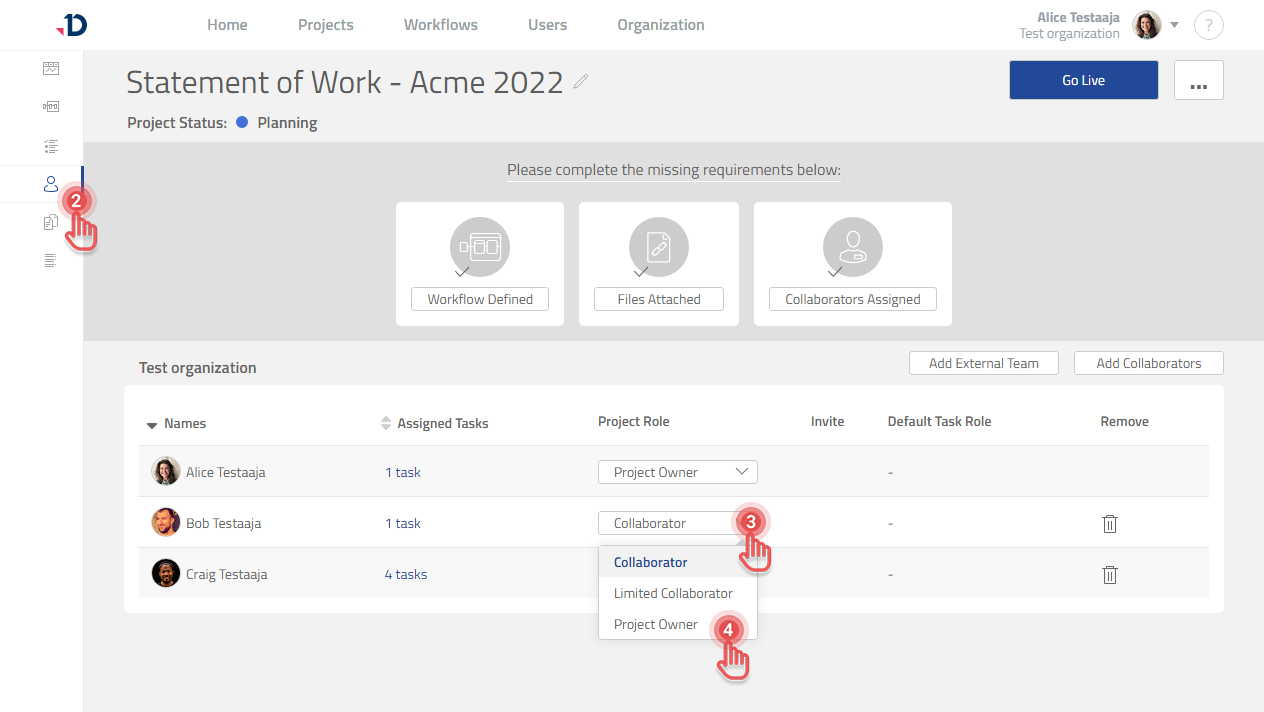
To control what a Collaborator can see and do inside a Project, you can change their Project Role:
1. Open the Project.
2. Click [Collaborator] tab on the left panel.
3. Click the Project Role dropdown of the Collaborator you would like to modify.
4. Select the appropriate Project Role.
Preview
To know more about the difference between Project Roles, visit Project Roles.