
Available to Project Owner.
When a file is not needed in a Project anymore, you can delete the file:
1. Open the Project.
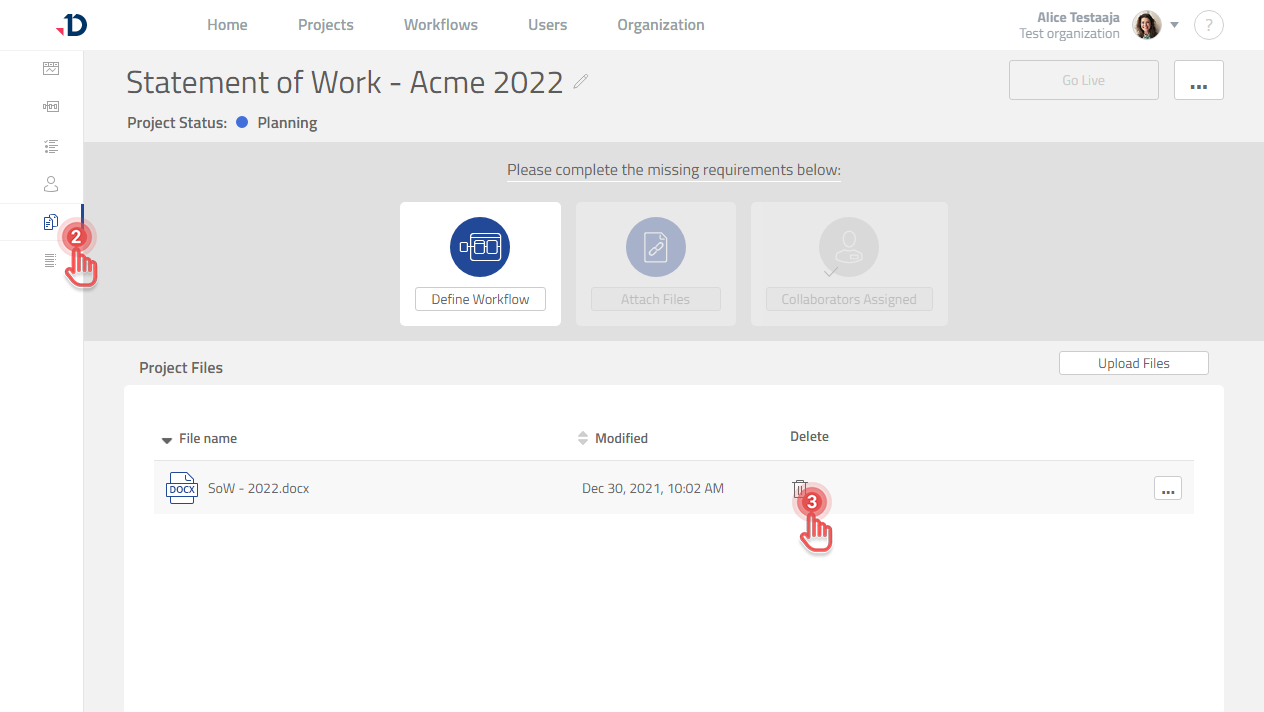
2. Click [Files] tab on the left panel.
3. Click [Trash] button on the file that you want to delete.
Preview
File that is attached to Workflow cannot be deleted.
The file needs to be detached first from Workflow before it can be deleted.