
Available to Project Owner.
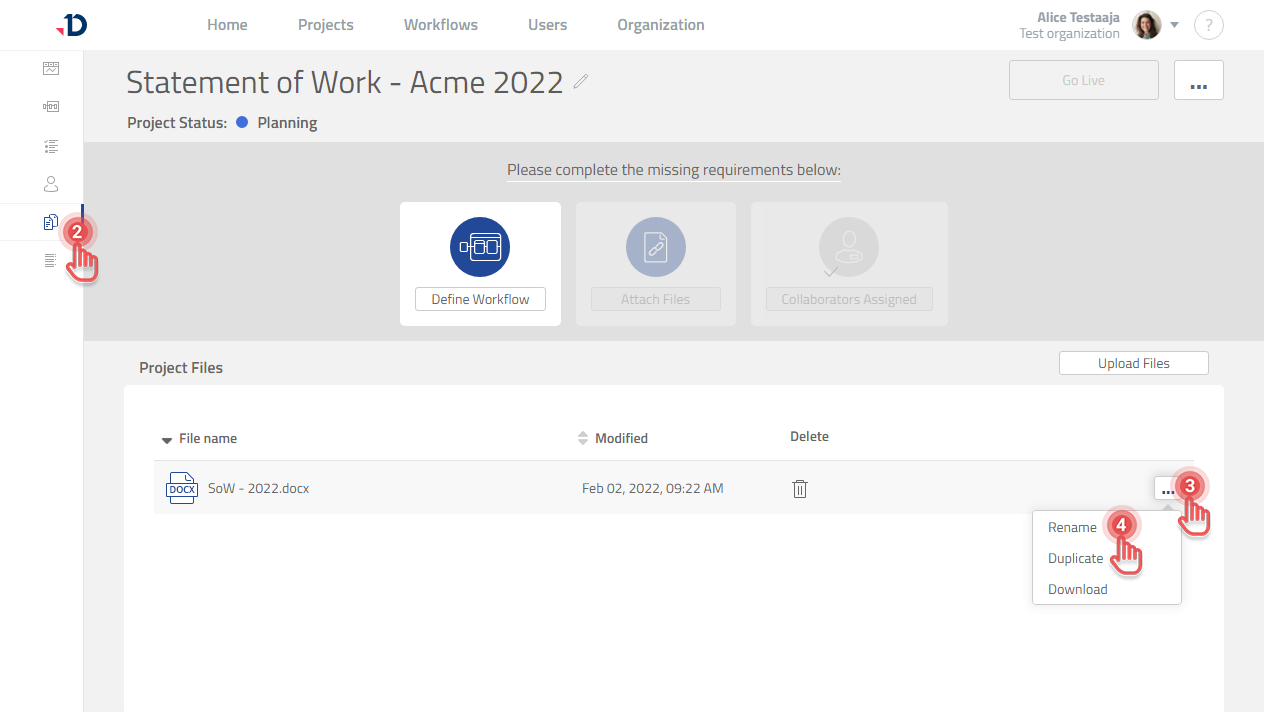
To rename a File inside a Project:
1. Open the Project.
2. Click [Files] tab on the left panel.
3. Click […] button on the file that you want to rename.
4. Click [Rename] option.
5. Type the new name and press Enter.