
Rearrange a Step inside a Phase
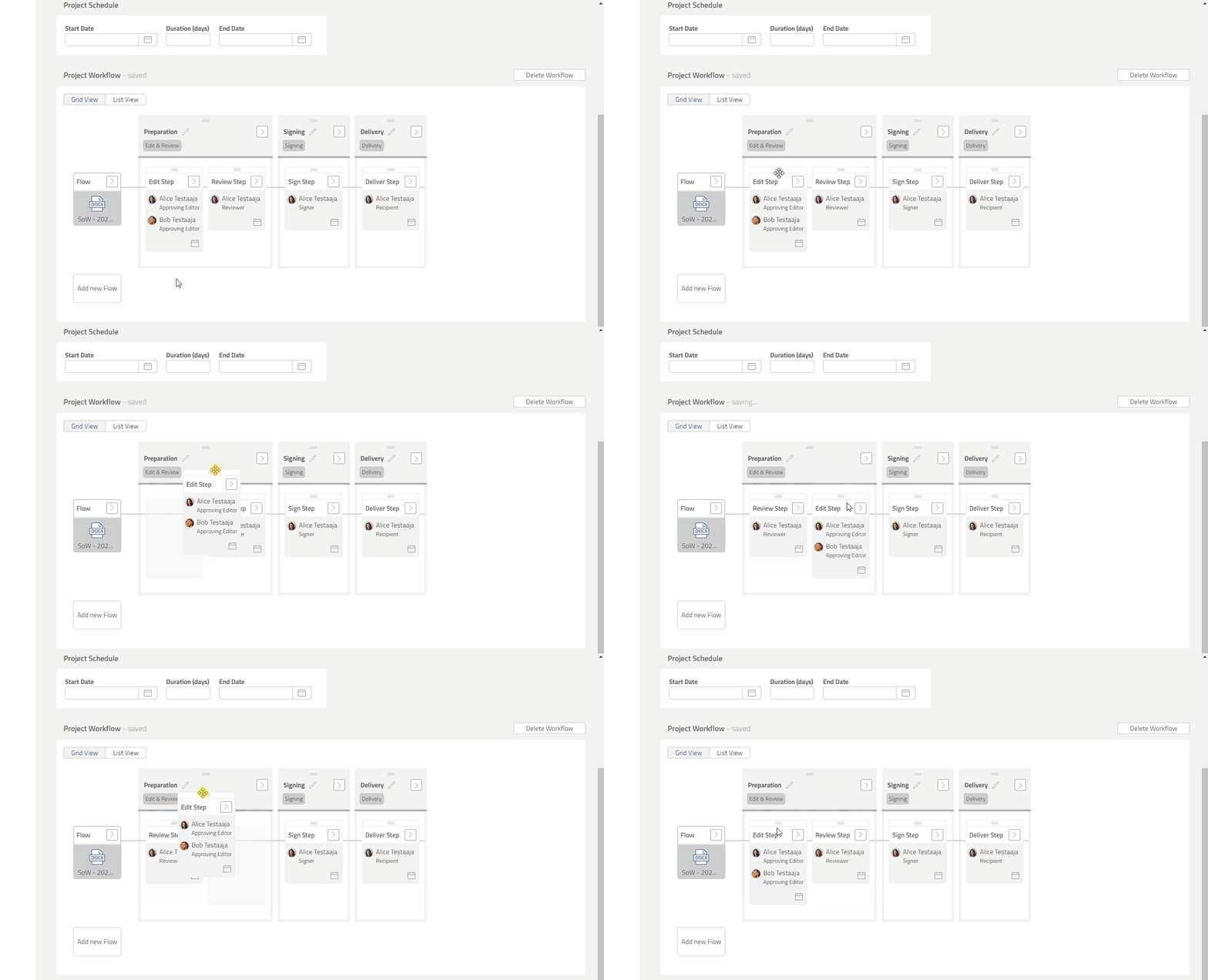
You can rearrange the sequence of a Step by dragging and dropping it.
1. Click and hold [≡] button on Step box that you want to move.
2. Drag the Step box and drop it to the proper position.
Preview
Rearrange a Step to another Phase
A Step can be moved to another Phase as long as the Phase type matches with the Step type. The table below shows the Step types available for each Phase.
|
Step type |
Phase type |
|---|---|
|
Edit Step |
Edit & Review |
|
Edit Step (offline) |
|
|
Review Step |
|
|
Approve Step |
Formal Approval |
|
Sign Step |
Signing |
|
Deliver Step |
Delivery |
Exceptions
Below Steps are fixed and cannot be rearranged:
-
Combine Step.
-
Edit Step inside Private External Phase.
-
Review Step inside Private External Phase.
Steps that are Completed or Active cannot be rearranged.